9
You can choose between:
• record (see page 27);
• view summary (see page 14);
• pause (see below);
• change the spoken language
ofthe channel (not available
forallchannels).
g
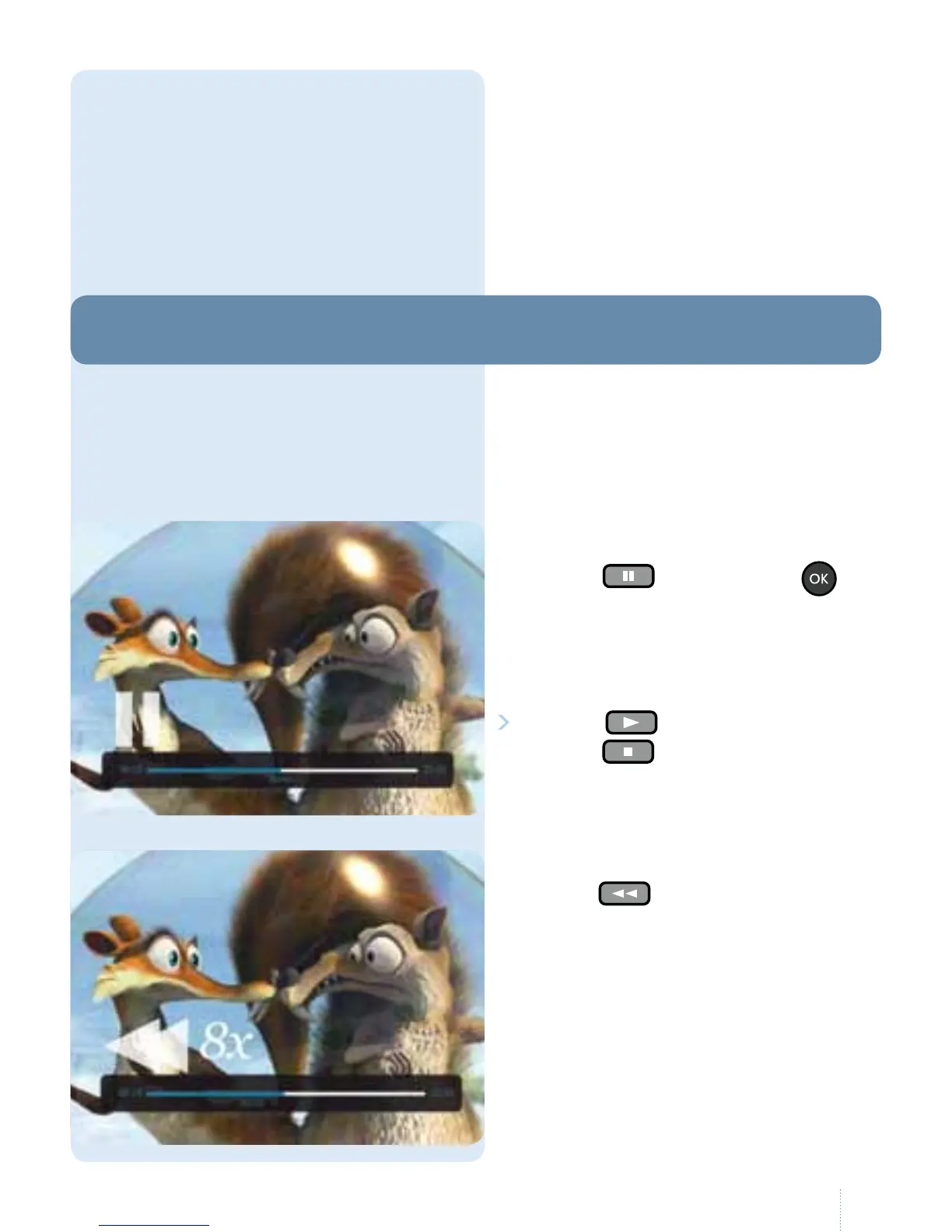
Press the button or press
twice to pause live television.
e maximum pause duration is
60minutes.
Press the
button to play.
Press the button to continue
watching "live".
What happens if you are interrupted
in the middle of a programme?
Noproblem: Belgacom TV allows
you to stop the programme you are
currently watching at any time or to
rewind upto60minutes.
2. Pause and rewind
g
Press the button to rewind
(max.60 min.) in the TV programme you
are currently watching. If you change
channel, this option is only possible from
the time you started to watch the TV
programme on the new channel.



 To Next Page