23
3. Other viewing on demand
g
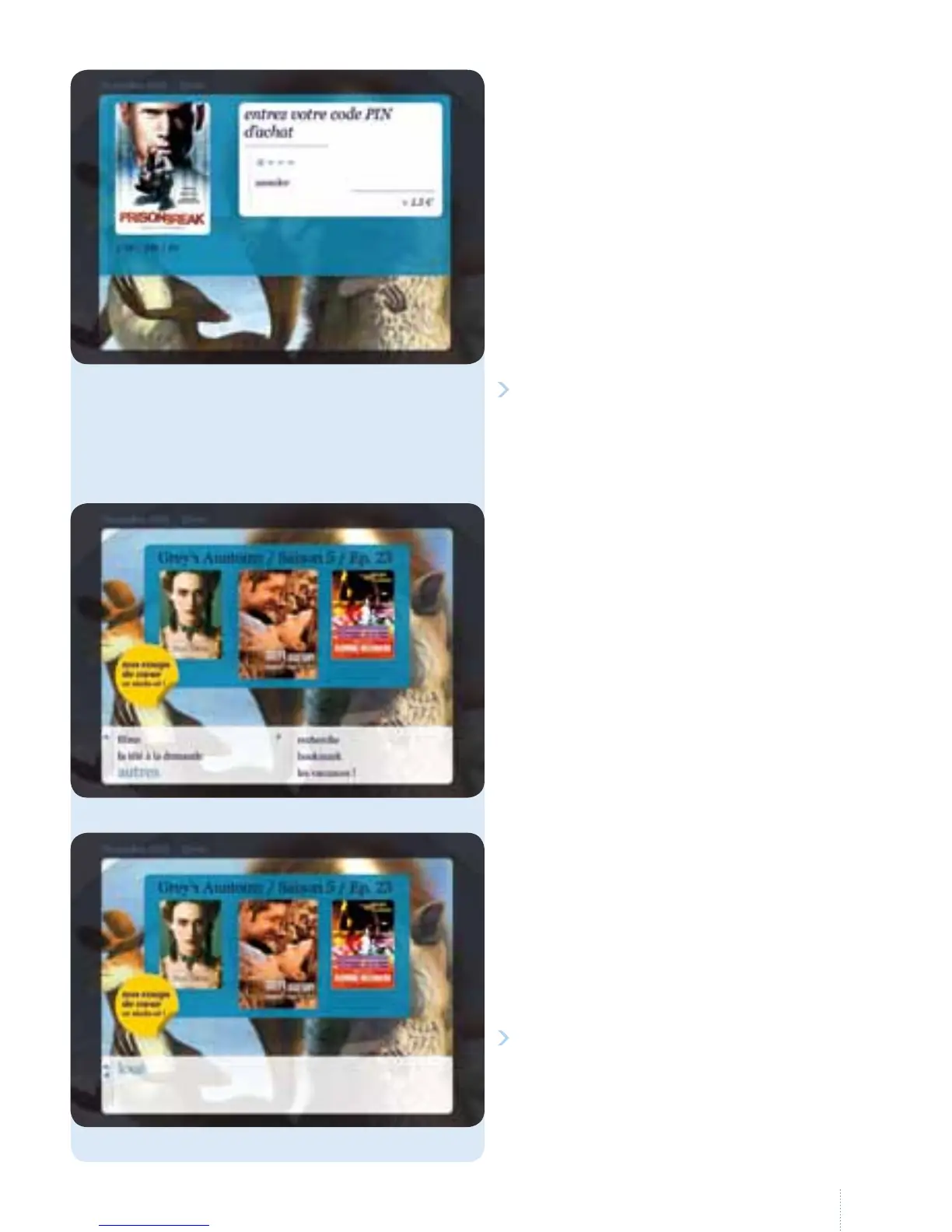
Select "autres" and follow the purchase
process described above (see page 18
"Go to the list of lms").
You will see the list of concerts,
sport, children's programmes,
documentaries, etc.
g
on oer.
4. Rentals
g
You will see a list of all the lms you
have already rented and for which the
rental has not yet expired.
You can then watch them (providing
the rental period has not expired).
You can resume playback at the point
where you stopped.
Conrm your purchase by selecting
" regarder"; the programme will start.
g
en select "louer" and enter the
purchase PIN code (default: 1 2 3 4
unless you have already changed it).
Or you can nd the lm in "loué" inthe
"à la demande" sub-menu



 To Next Page