22
g
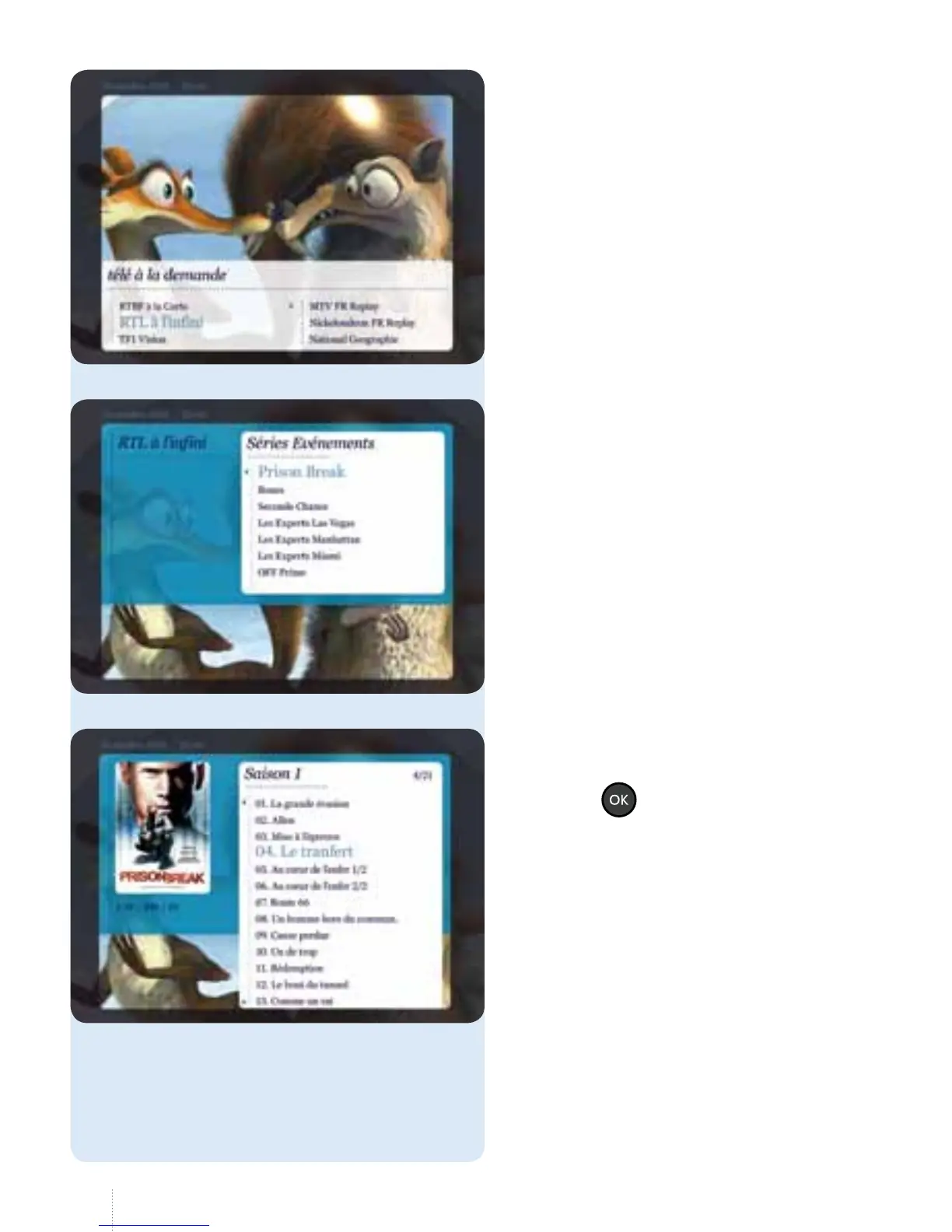
Select the programme you want and
press the
button.
g
Each channel has its own sub-division
method: programmes by day, in
alphabetical order, by series, etc.
g
A list of channels with an
"une ore à la demande" is displayed.
Select the channel that broadcasts
theprogrammeyouwant.



 To Next Page