38
g
2. Press the or
buttons
(depending on the model of your
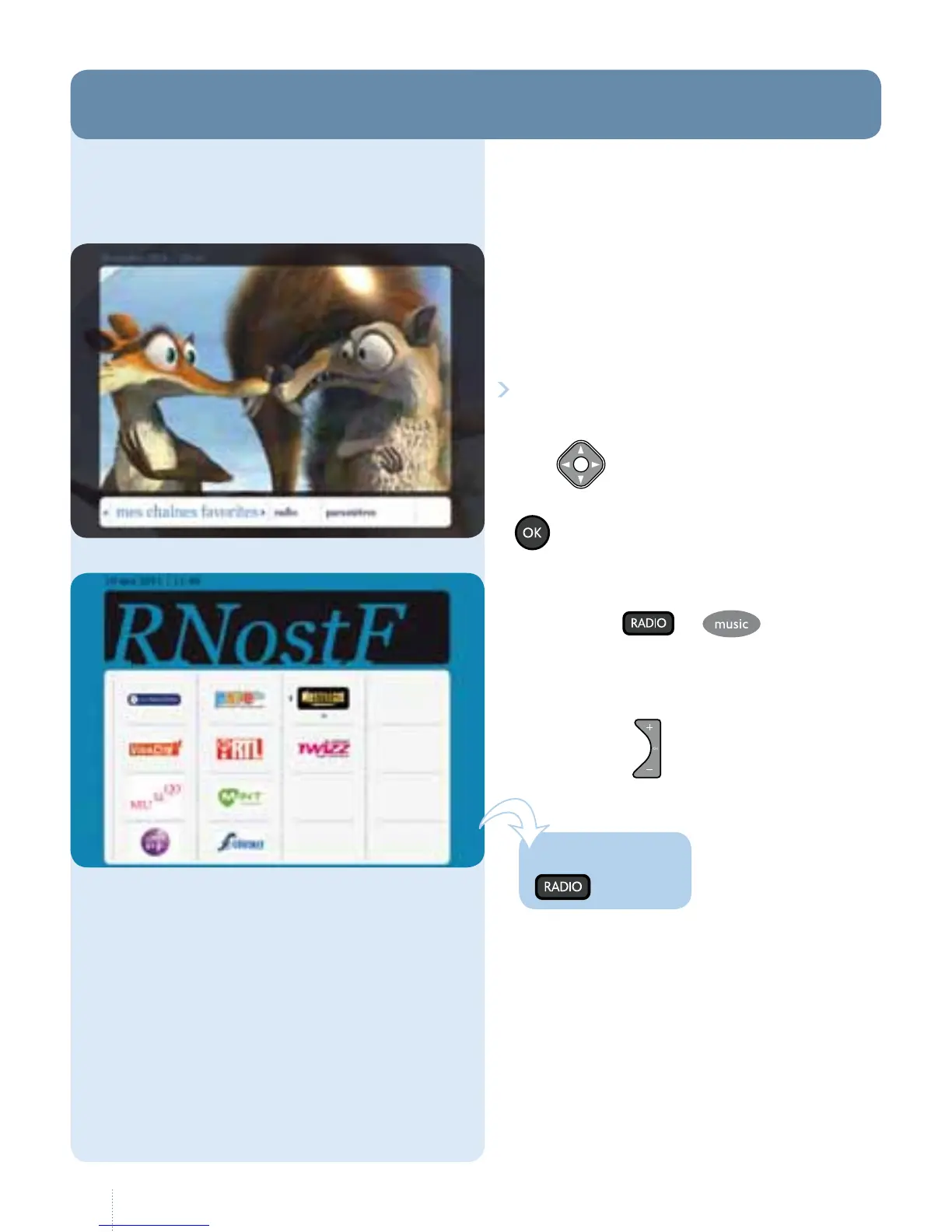
remote control): the table of radio
stations is displayed. Select the station
you want.
You can use to move from
onestation to the next.
g
1. To access radio stations, select
"radio" in the main menu.
You can access the radio station you
were last listening to directly.
e
button allows you to move
from one station to another. Press the
button to conrm.
ere are two ways of accessing
radiostations.
6. Radio
One touch!



 To Next Page