37
g
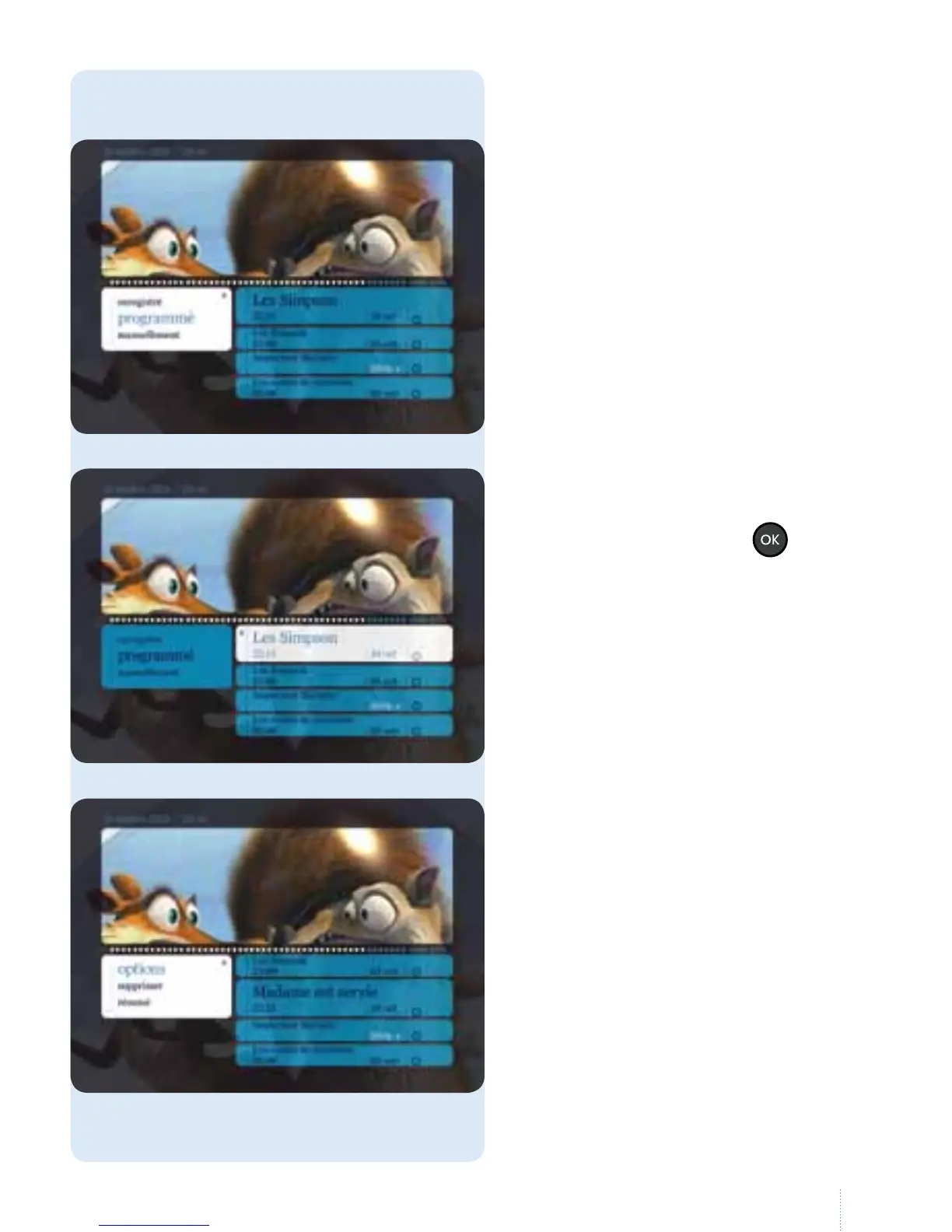
Navigate to the right, select a
programme and press the
button.
g
You have the following options:
• résumé: read a summary about
theprogramme;
• supprimer: if you want to delete the
recording of a series, you have to
delete the entire series;
• options: start and end time,
availability of a recording, number of
episodes in a recorded series to keep
(see page 30 for more details).
Scheduled recordings
g
Select "programmé": the list of
scheduled recordings is displayed on
the right.



 To Next Page