45
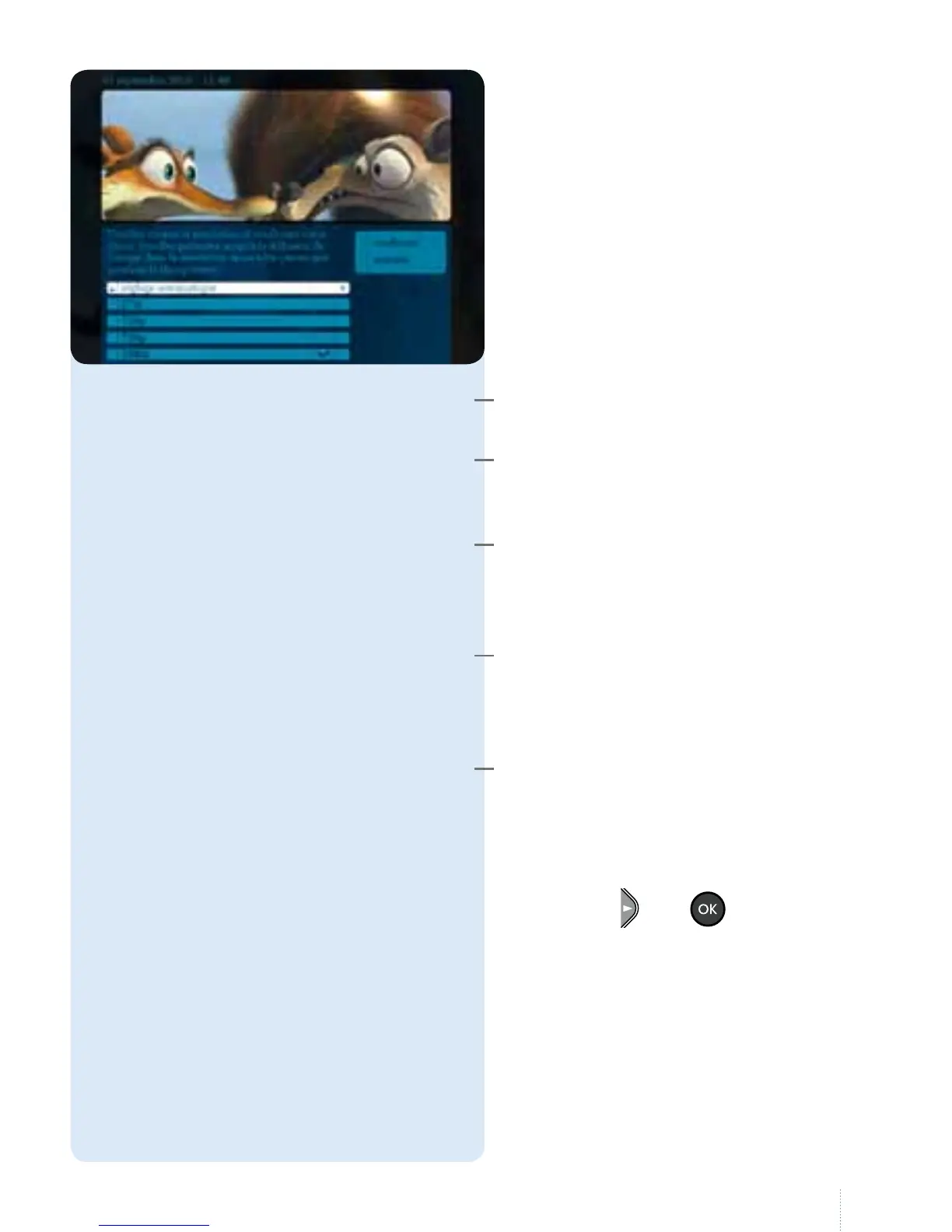
Résolution d’image
is option allows you to change
the screen resolution depending
on the type of decoder, the type of
television and the range of channels
you have. Weadvise you to use "réglage
automatique".
e decoder automatically nds the
best picture quality.
Always displays the picture in standard
denition (regardless of whether or not
it is an HD channel)
Always displays the picture in HD
quality if the channel you are watching is
broadcasting in HD quality. is setting
is assigned to HD-ready televisions.
Always displays the picture in HD
quality if the channel you are watching is
broadcasting in HD quality. is setting
is assigned to Full HD televisions.
Always displays the picture in standard
denition (regardless of whether or not
it is an HD channel)
• Choose the resolution and conrm
using the
and
buttons.
escreen goes black, then
reappears in the required resolution.
• Select "conrmer" again or "annuler"
if you prefer the previous resolution.
auto adjust
576p
720p
1080i
576i



 To Next Page