30
e following options
canbechanged:
g
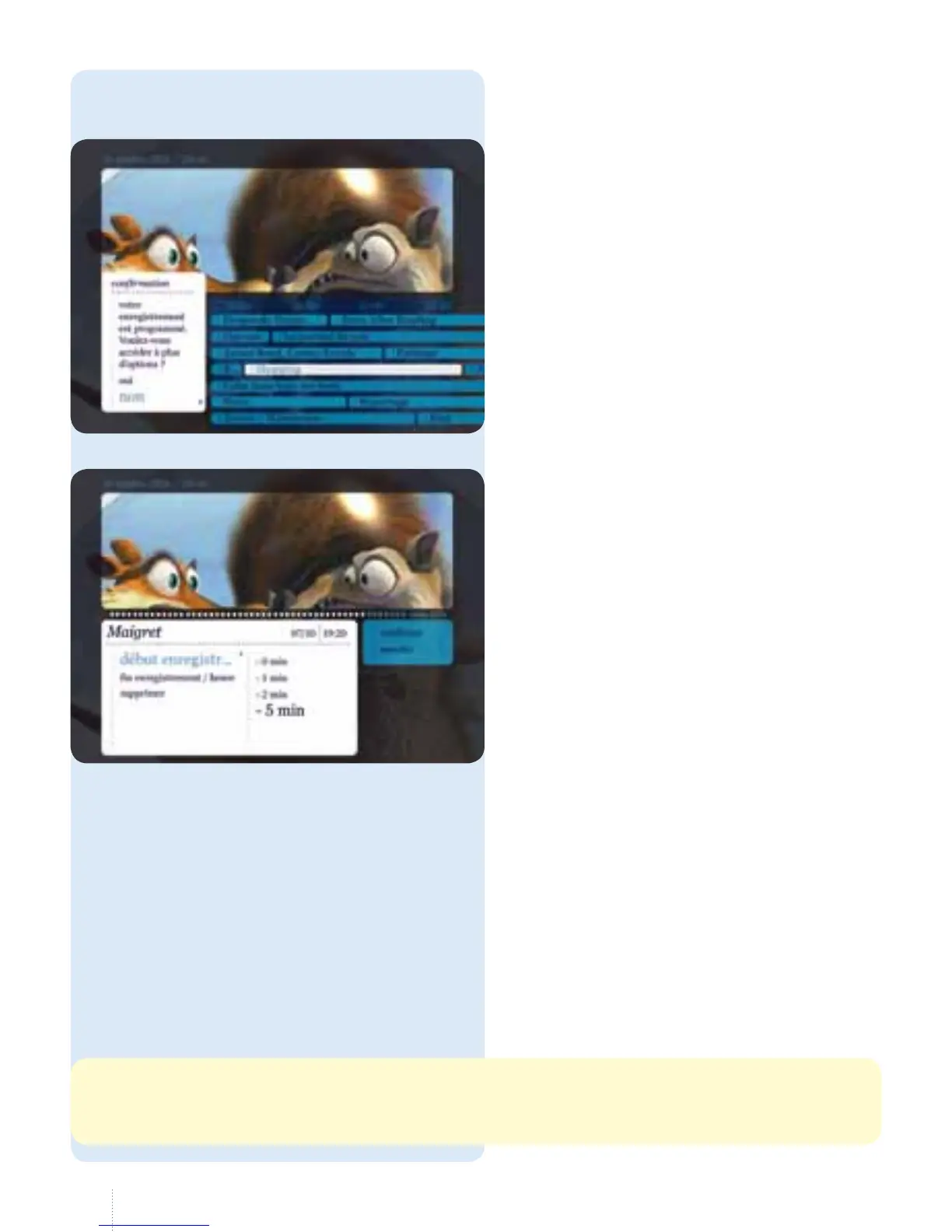
Start and end of recording: recording
generally starts 5 minutes before the
start time and stops 20 minutes after
the end time.
g
Availability of a recording:
• recordings are deleted when the
decoder's hard disk is full. To
avoid this inconvenience, select
"supprimer/jamais", "jamais" in the
options window
• in some cases, the recording is only
kept for 30 days so that you can
continue recording while watching
another channel. If you choose,
while setting the recording, to keep
a recording indenitely anyway,
youwill lose this option.
Change the default
recordingoptions
g
Change the default recording
options by selecting "oui" under
theconrmation message.
If you select "non", the default options
will remain unchanged.
e recording functions depend on your technical situation. To check what is possible where you are,
go to our site: www.belgacom.be/tv, "vérier la disponibilité de la TV digitale chez vous".



 To Next Page