32
g
Select "enregistrer".
Follow the procedure described on
page 27.
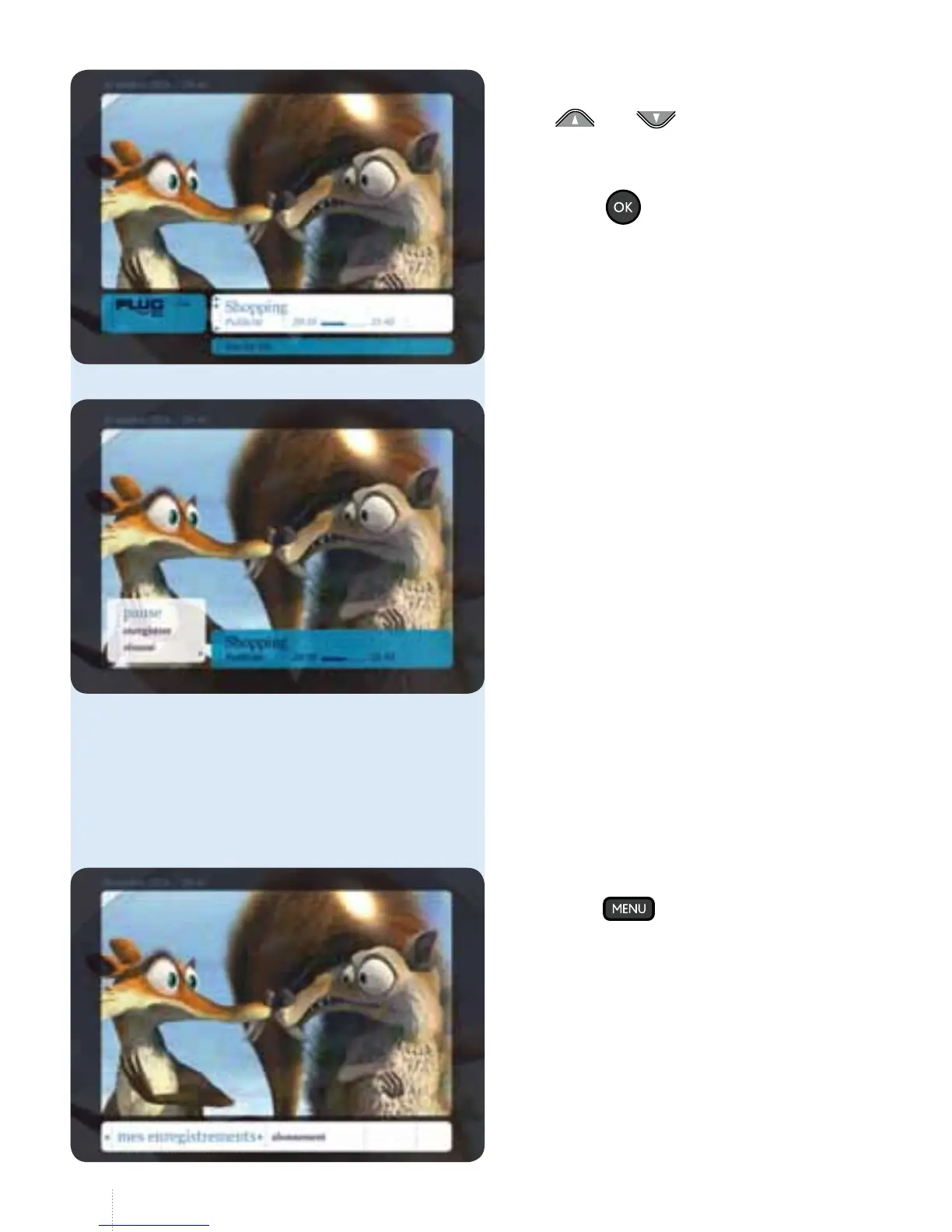
Set a manual recording
You can also choose to set a manual
recording. In this case, you do not use the
TV Guide; you dene the start and end
time of the recording yourself.
g
Use and to go to the desired
channel and the programme to be
recorded. Select the programme and
press the
button.
g
Press the button and select
"mes enregistrements".



 To Next Page