40
g
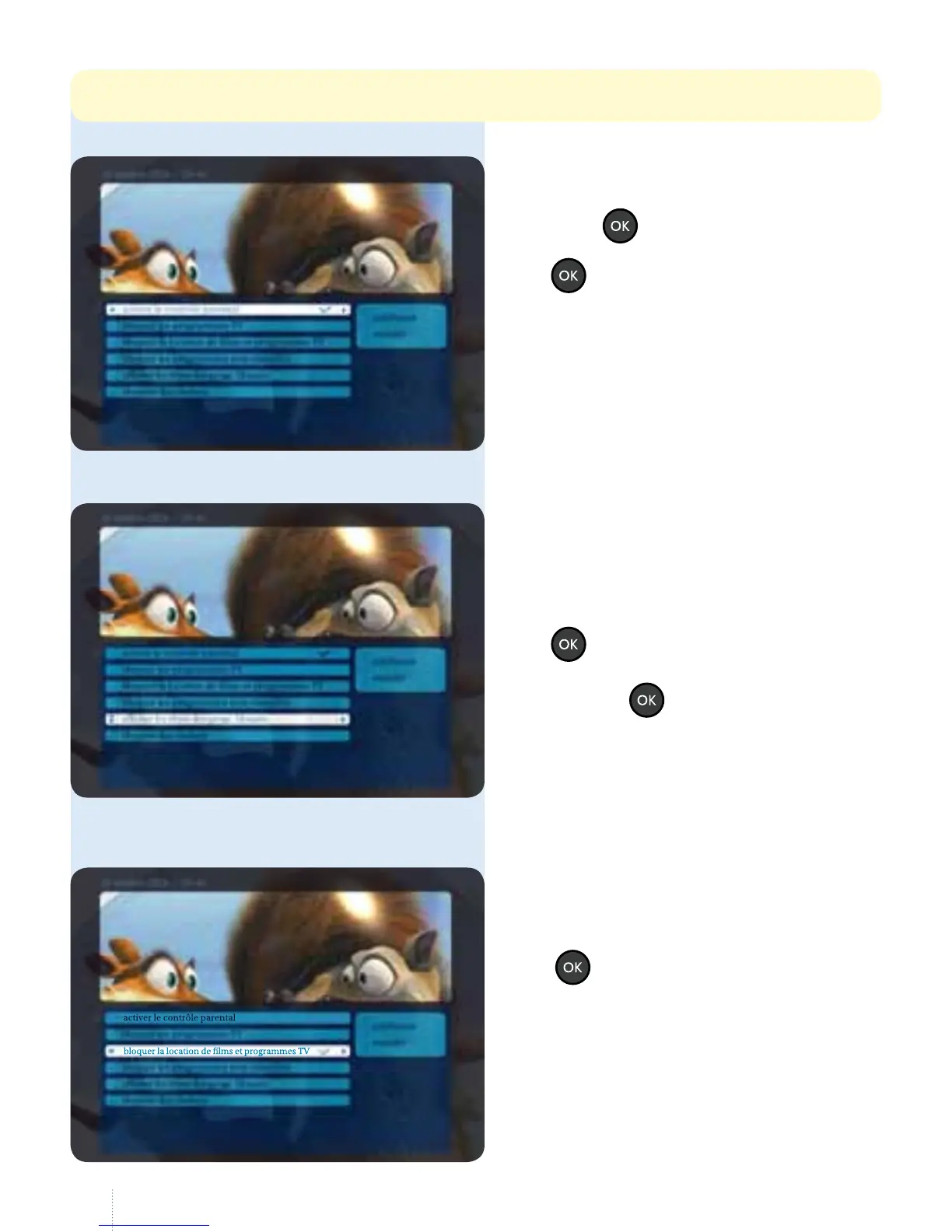
Select "activer le contrôle parental" and
press the
button.
A checkbox appears; if you press
the
button again, the checkbox
disappears: parental control has
beendisabled.
Show or hide the titles of
blocked programmes
g
You can display or hide the titles
of blocked lms, programmes and
channels. Navigate to "acher les titres
des programmes bloqués" and press
the
button.
You can enable and disable this by
pressing the button:
the checkbox appears or disappears.
It is also possible to block channels,
lms and programmes individually.
Block on-demand rentals
g
Navigate to " bloquer la location de
lms et de programmes TV " and press
the
button.
is code may be dierent from the purchase PIN code (default: 1 2 3 4 unless you have already changed it).



 To Next Page