43
g
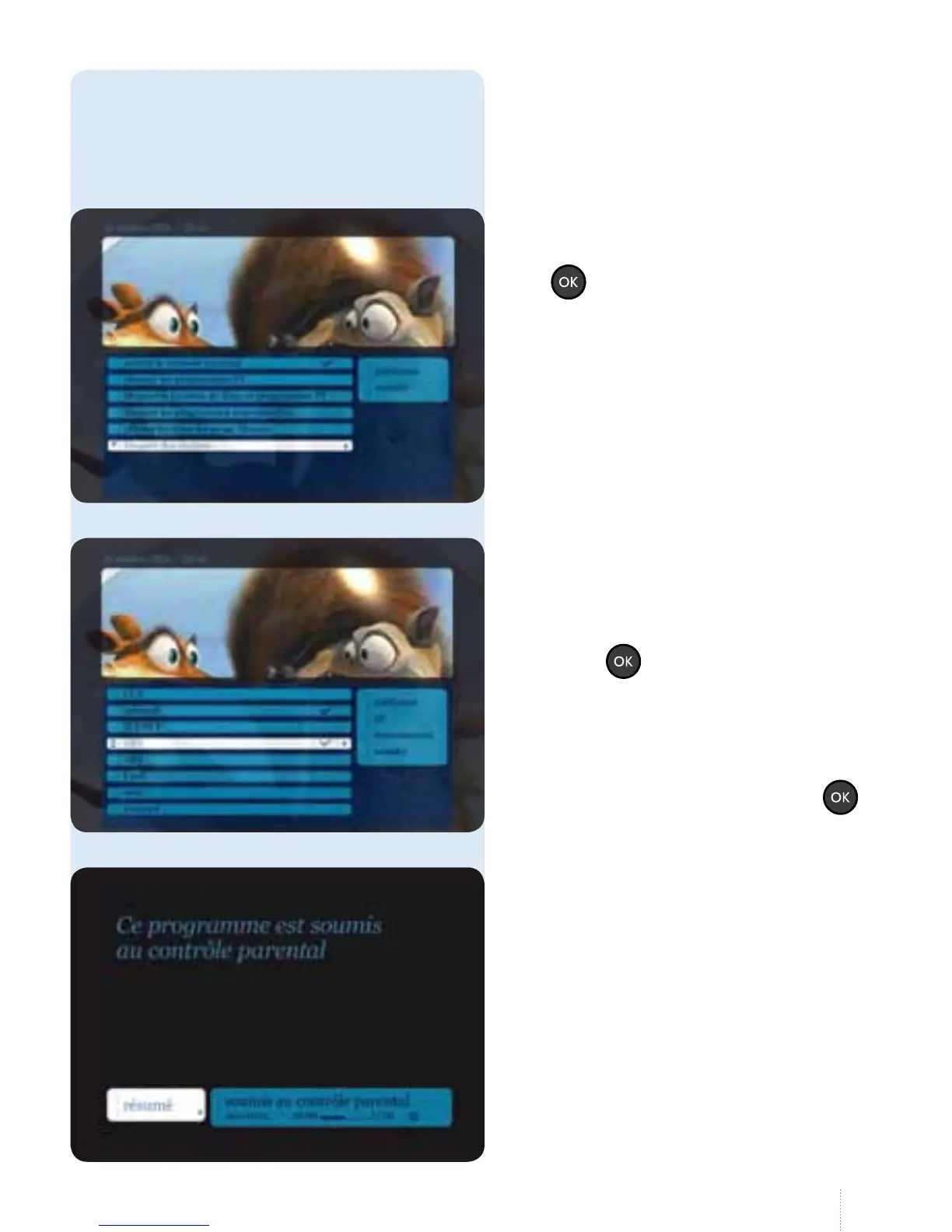
e list of channels is displayed with
acheckbox for each channel.
Press the
button to select the
channel to hide. e checkbox is
thenchecked.
Once you have selected the channels,
navigate to the right and press the
button to conrm your choice.
Do you want to watch a programme
or channel blocked using the
parental control?
If you select a hidden programme or
channel, you see this message.
g
Select "bloquer des chaînes" and press
the
button.
Hide specic channels
is function allows you to
blockchannels.



 To Next Page