61
d. To exit the programming process,
press the button (bottom
right) and the button
simultaneously. e remote control
is now ready. You can check that
all the buttons are working (sound,
switch the television on and o,
scroll through the external sources).
If they are not, we advise you to repeat
the procedure.
e remote control now works for your television and your Belgacom TV decoder. Functions for
your television are limited to switching it on and o, adjusting the volume, the mute function and
access to external sources. If you want to use the remote control for other functions, you must hold
down the
button while giving your TV the required instruction.
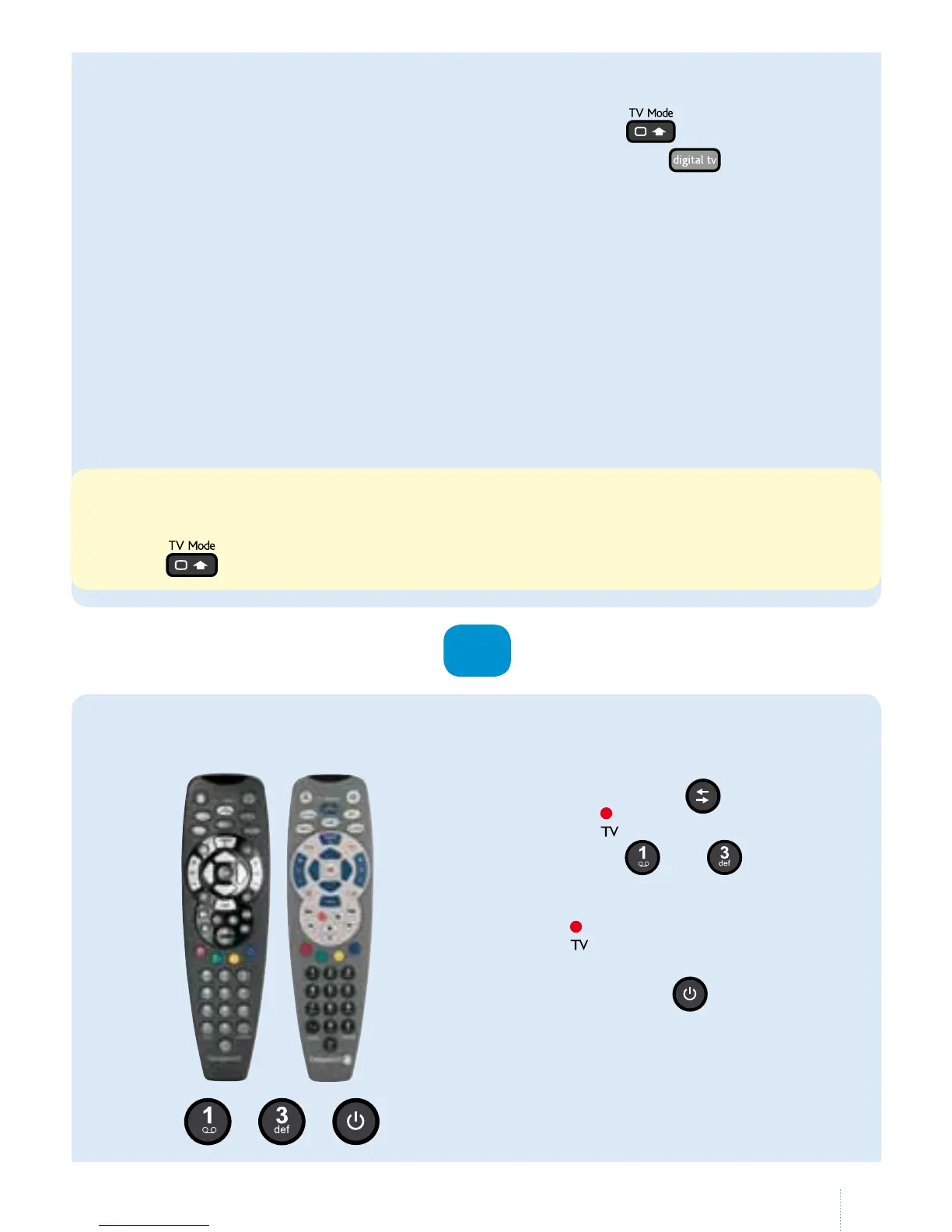
model
no 2
model
no 3
+ ,
a. Switch on your television.
b. Using the Belgacom TV remote
control, press the
button until
thered indicator lights up.
c. Press the
and
buttons
simultaneously for 3 seconds.
Whenthis time has passed,
the light will ash twice and then
stay on.
c. Hold down the
button. After
3seconds, all the existing codes
will be searched via infrared.
Onecode is changed to another
every 1.5seconds. If your television
switches o, release the button.
OR



 To Next Page