BENNING IT 115 Device description
- 26 -
Note:
The "Commander OFF" (disabled) option is intended for deactivating the operating keys
of the "Commander" (except for the background lighting key). It is useful to disable the
"Commander", if strong sources of interference might affect the correct functioning of the
"Commander".
4.3.5 Initial settings
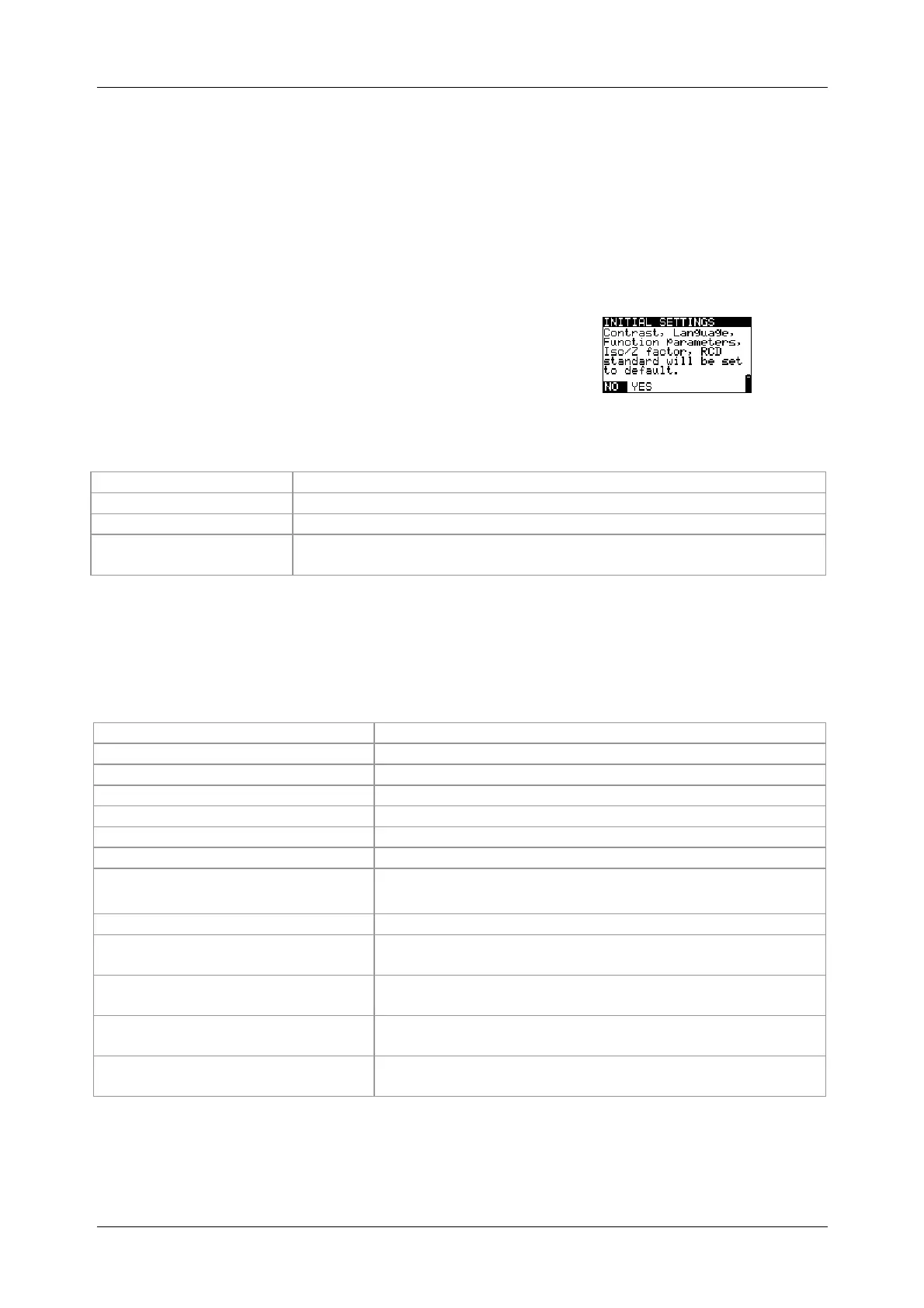
In this menu, it is possible to reset the settings,
measuring parameters and limiting values of the
installation tester to their initial (factory) settings.
Figure 4.8:
Initial settings dialog
Keys used:
Selects the option [YES, NO]
Confirms the selected option
Back / cancel to the Settings menu
switch
Back / cancel to the selected measuring function
Note:
If the tester is reset to its initial (factory) settings, all settings made will be lost!
If the batteries are removed for more than 1 minute, all settings made will be lost.
The initial (factory) settings are defined as follows:
Language German
Contrast 50 %
Earthing system TN / TT
Isc factor 1.00
RCD standards EN 60364-4-41
"Commander" test probe (optional) ON
Parameter / limiting value
RE No limiting value
R ISO without limiting value,
nominal testing voltage: 500 V
R LOW No limiting value
CONTINUITY No limiting value
ZI (L-N/L) line impedance Fuse type: none selected
ΔU voltage drop ΔU: 4.0 %, Z
REF
: 0.00 Ω
Zs (L-PE) loop impedance Fuse type: none selected
Zsrcd Fuse type: none selected



 To Next Page