100 Appendix 4: Basic Troubleshooting Checklists for X-Sign
Scheduling
[Content display abnormal] Please try to use another
video/picture format and upload it again.
[Cannot play after inserting a USB flash drive in standalone mode]
Please check if X-Sign mode on player is changed to “Standalone
Mode”.
[Cannot play after inserting a USB flash drive in standalone mode]
Please check the file name and file path.
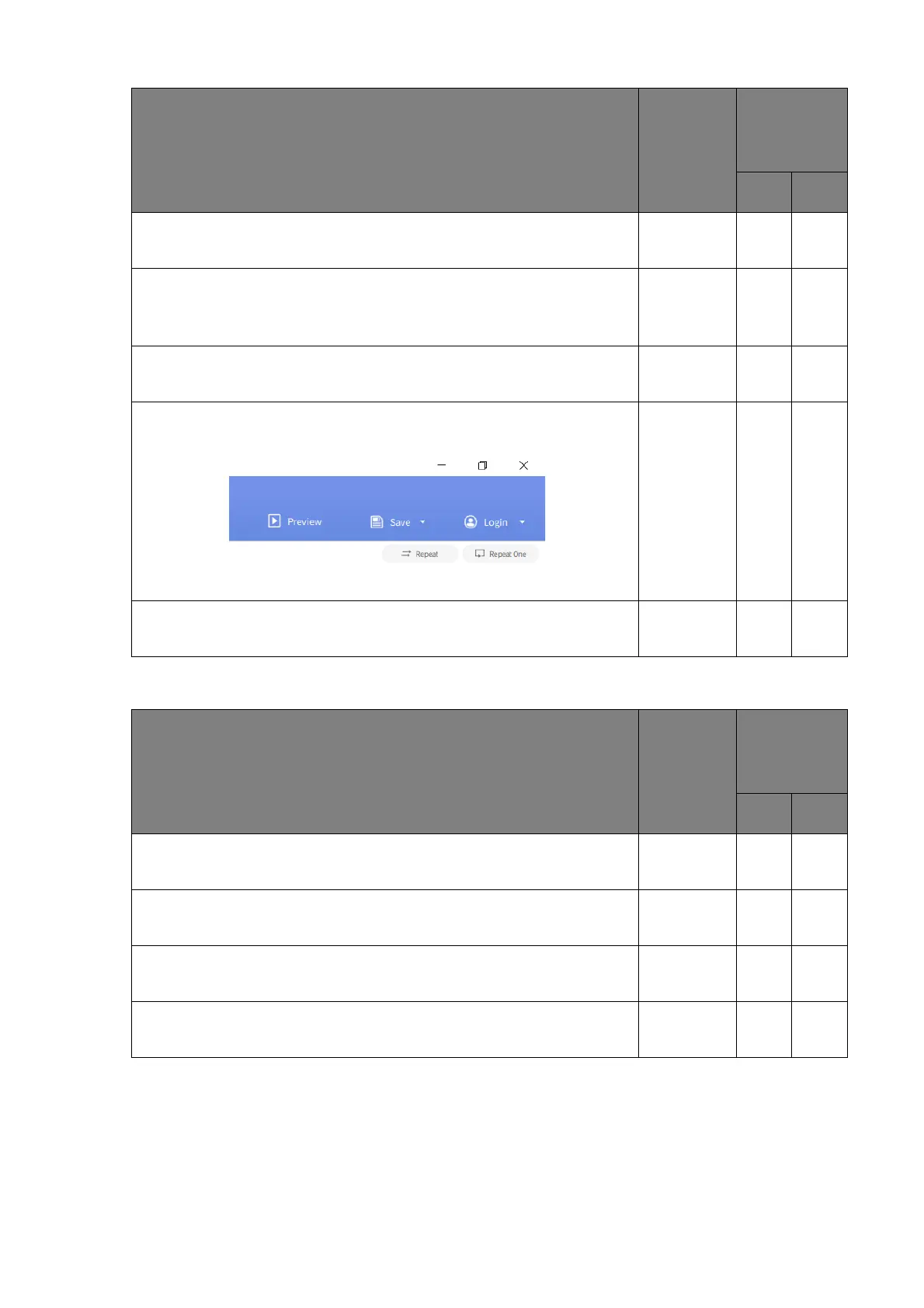
[Content cannot displayed] Please launch a template on X-Sign
Designer, and check if the play mode “Repeat” is on.
If problems cannot be solved after performing the above actions,
please re-flash the system firmware.
Check item
Check if
completed
Does the
problem still
exist?
Ye s No
Check item
Check if
completed
Does the
problem still
exist?
Ye s No
[Content not showing] If the screen shows X-Sign wall paper,
please check if the content schedule is on-time or not.
[Content not showing] Please check if the storage size is larger
than content type.
[Stop playing in scheduling] Check if the schedule is “every date”
or “specific date”.
If problems cannot be solved after performing the above actions,
please re-flash the system firmware.



 To Next Page