87 Appendix 2: Basic Troubleshooting Checklists for IFP & IL
Appendix 2: Basic Troubleshooting Checklists for IFP & IL
series
Dear Customer,
In order to avoid unnecessary delays and a volley of questions back and forth may we ask,
kindly fill in the form below. The more comprehensive information we have the faster our
response will be.
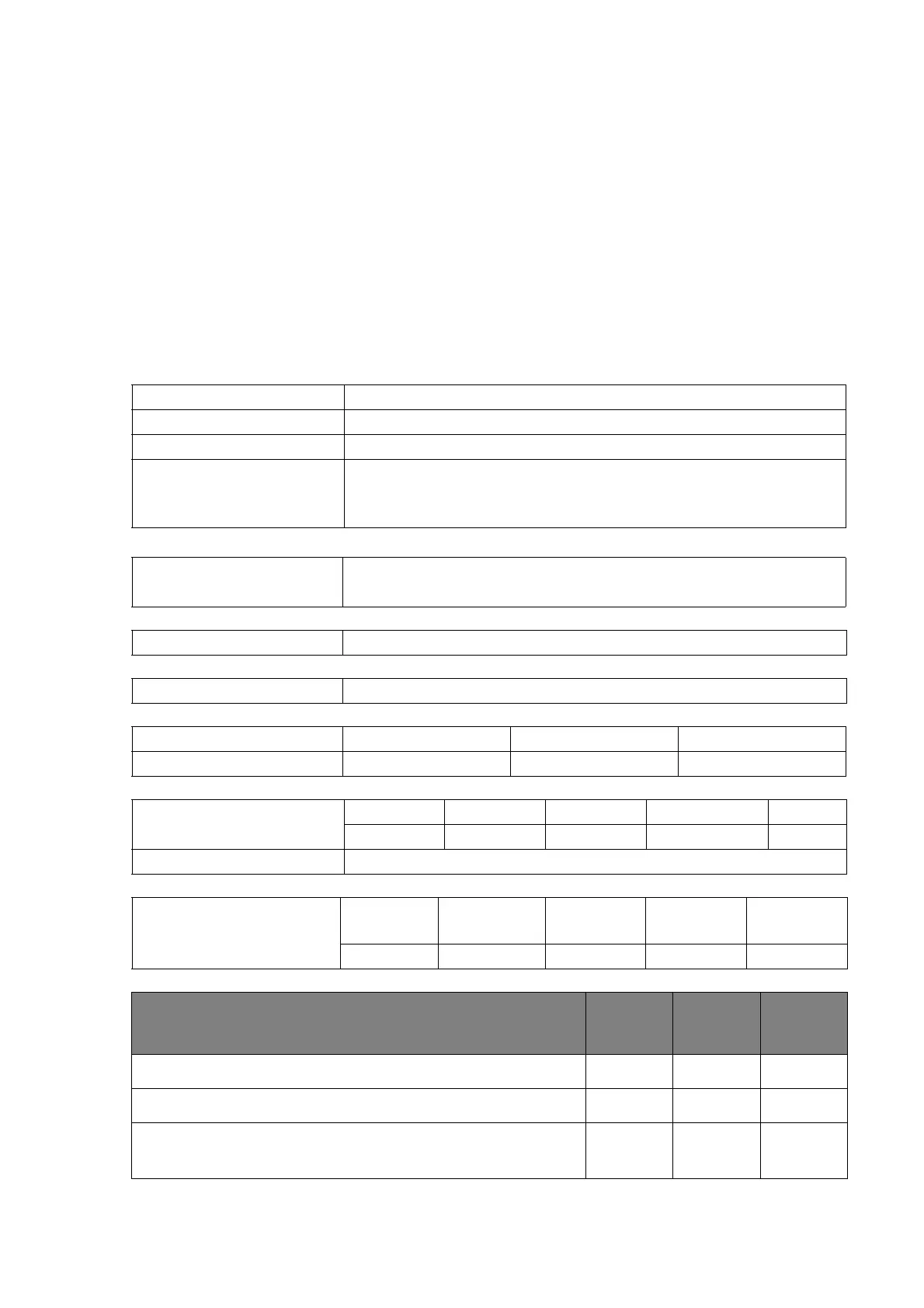
Part I: customer feedback form (customer information and
description of problem)
Onsite contact person:
Phone number:
E-mail address:
Address of unit:
Model name:
Quantity on site: ______ unit(s).
Quantity affected: ______ unit(s).
Problem frequency: Constantly Intermittently After a while
Problem type: Touch Power Display Android/APP Other
Short problem description
Connections visible: HDMI
(Figure 1)
D-Sub (VGA)
(Figure 2)
USB
(Figure 3)
DVI
(Figure 4)
DisplayPort
(Figure 5)
Question Ye s No
Not
certain
Are the affected units connected to a faceplate (Figure 6)?
Are the cables passing though any wall or floor trunking?
Is the original USB cable (Figure 3) provided by BenQ
being used?



 To Next Page