44 Video wall installation guide
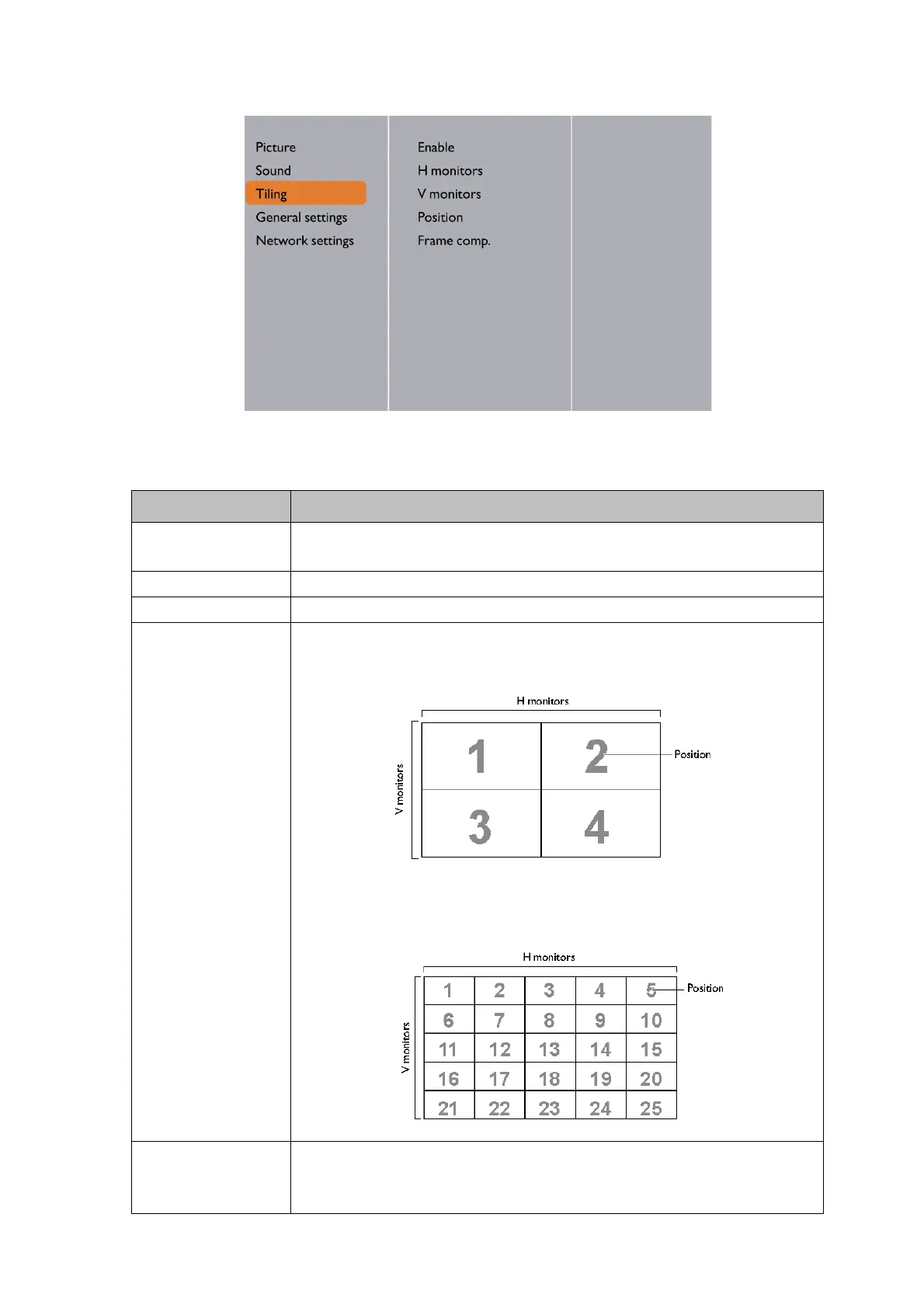
Tiling: PL490/PL552/PL553/PH5501/PH5502
With this function you can create a single large-screen matrix (video wall) that consists of up to
225 sets of this display (up to 15-sets on the vertical and 15-sets on the horizontal sides).
Te r m Description/explanation
Enable Choose to On or Off the Tiling function. If On, the display will apply
the settings in H monitors, V monitors, Position, and Frame comp.
H monitors Adjust displays on the horizontal side.
V monitors Adjust displays on the vertical side.
Position Adjust the position of this display in the screen matrix.
Example: 2 x 2 screen matrix (4 displays)
H monitors = 2 displays, V monitors = 2 displays
Example: 5 x 5 screen matrix (25 displays)
H monitors = 5 displays, V monitors = 5 displays
Frame comp. Choose to turn the frame compensation function on or off. If
selected On, the display will adjust the image to compensate for the
width of the display bezels in order to accurately display the image.



 To Next Page