46 Video wall installation guide
Tiling: PL4901/PL5501/PL5502
Video wall
Menu Description
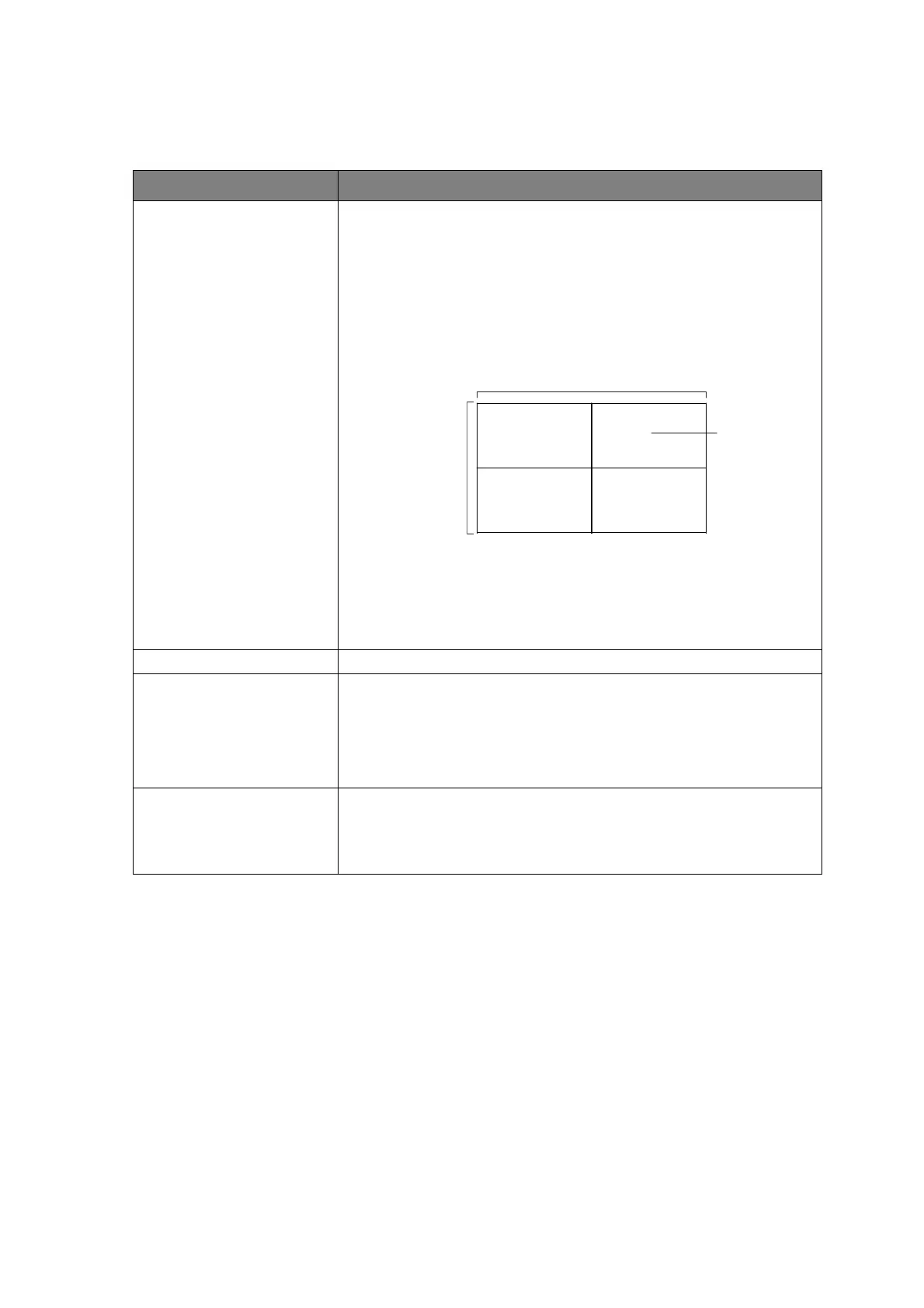
Wall settings • Check the unit ID for the current position. Below is an
example of 2 x 2 unit ID illustration.
• Define the current position and total units of video wall.
e.g. H-position: 1, V-position: 1, indicates the upper-left (unit
ID 1) display.
H total units: 2, V total units: 2, indicates a 2 x 2 video wall.
• Enable/disable the video wall mode.
On: switch display content to its corresponding position in
video wall.
Off: switch to single display.
Bezel compensation Select ON to initiate compensation.
Panel settings Change power on logo procedure:
1. Save the picture to the USB root folder. The resolution
must be 1920 x 1080, and the file must be under100 KB.
2. Insert the USB, then click “Custom logo”.
Scene settings • Scene number: Switch between the selected scenes.
• Empty/Save: Check if there is a saved or existed scene.
• Apply Scene: Click to apply the current scene.
V monitors
Position
H monitors



 To Next Page