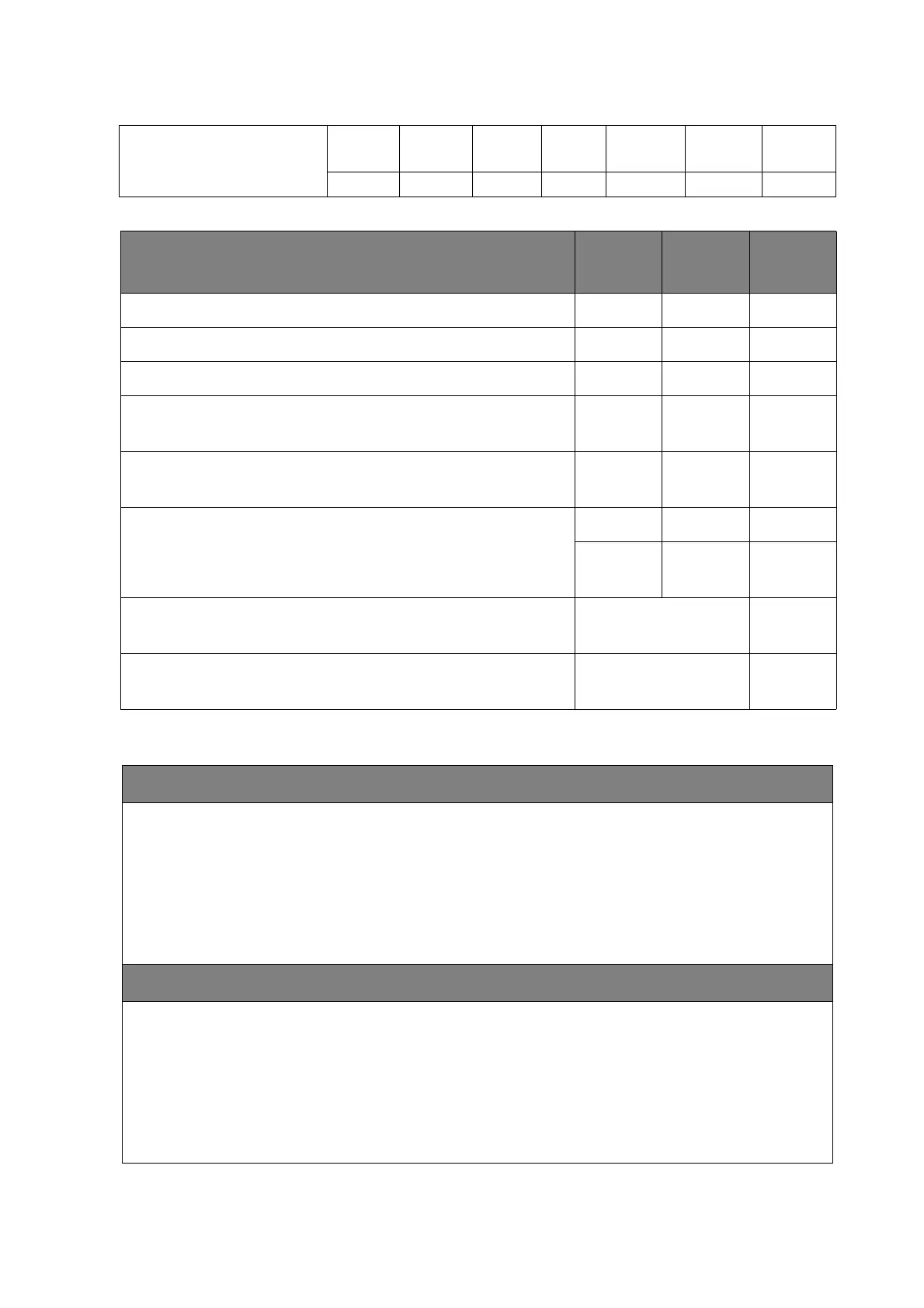
91 Appendix 3: Basic Troubleshooting Checklists for
Daisy Chain: HDMI D-Sub DVI IR RS232 Display
Port
No daisy
chain
Question Ye s No
Not
certain
Are the affected units connected to a faceplate?
Are the cables passing though any wall or floor trunking?
Is the original cable provided by BenQ being used?
Are the affected units connected through splitter, matrix
or other video wall controller?
Please specify your computer operating system and
version.
What is the main device (video source) connected to the
display? Please specify the brand and the model name.
Desktop Laptop Other
What is the signal cable (HDMI, DVI, VGA, etc.) length,
including trunking in wall?
_______ meters.
Please provide the installer's contact name & phone
number.
Additional information
Provide photo/video link



 To Next Page