85 Appendix 1: Installation Checklists
After installation
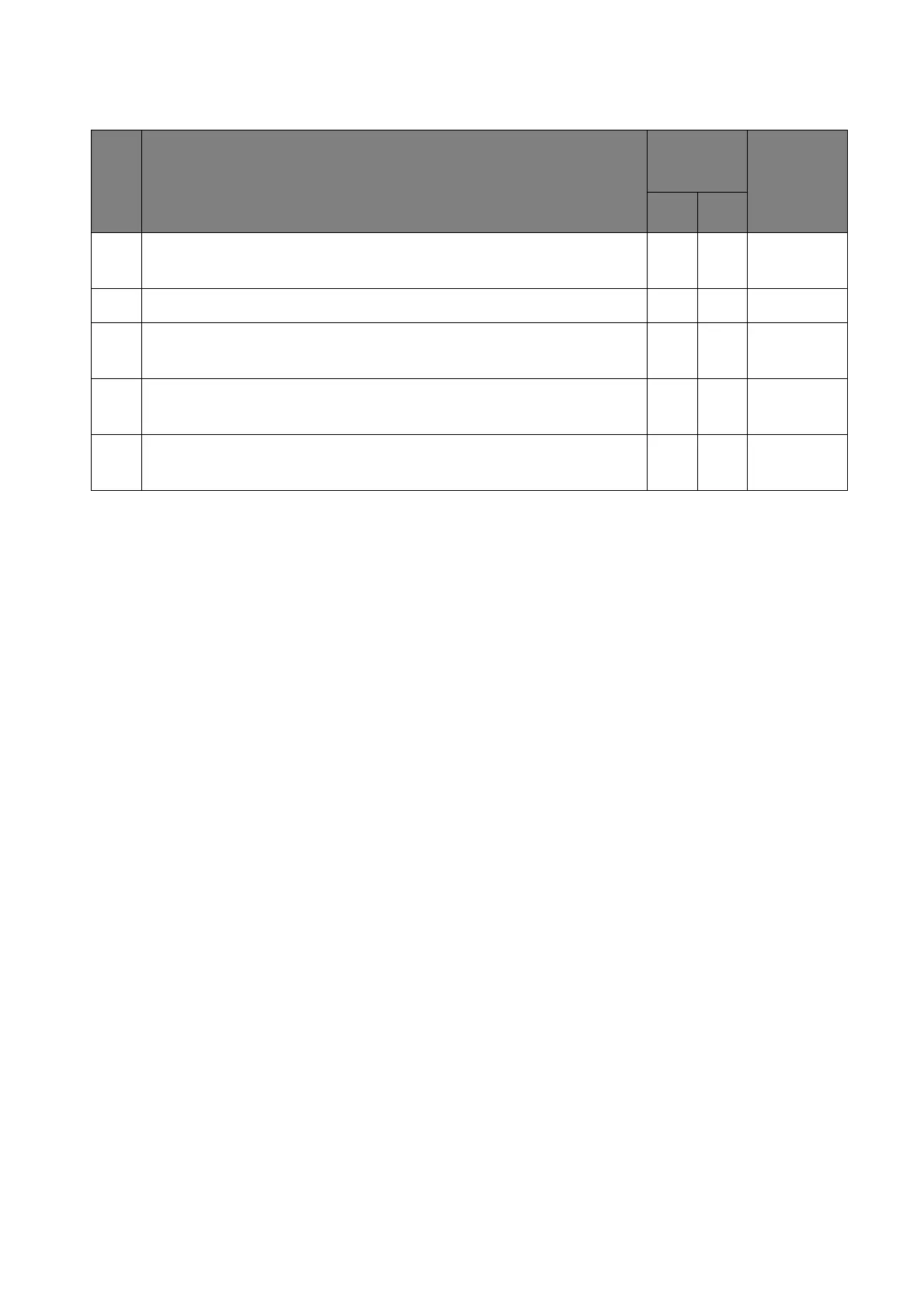
No. Check items
Checking
results
Location &
description
of problem
Ye s No
1. Check if there is any damage to the panel (scratches or cracks) or
to the bezel (scratched or faded paint).
2. Check if all cables have been connected properly.
3. (For video wall) Check if all displays have been installed on a
(horizontal/vertical) level surface.
4. (For video wall) Check if there is enough space (0.5 mm as
recommended) between two displays.
5. Connect your video source (e.g. computer) and power on the
display to check if the screen is normal.



 To Next Page