61 Digital Signage Bar-Type Series
Digital Signage Bar-Type Series
The bar type display panel is a long structured design panel. Designed with a slim form factor,
the display panel can be used in small or large spaces to display everyday information.
Installation notice
• When the display is connected to the PCs or laptop, it is at its native resolution.
• Set the display to the projector mode. The picture will be displayed with full screen.
• If the aspect ratio of the picture is the same as that of the display, the picture can be fully
shown without distortion.
Adjusting the OSD setting: For BH280/BH281/BH380
The resolution can be adjusted to 1920x1080. You can make the following display effects by
adjusting the OSD setting.
Model Native Resolution (pixels)
BH2401/BH2401T 1920 x 190
BH3501/BH3501T 1920 x 130
BH280/BH281/BH2801/BH2801N 1920 x 360
BH380 1920 x 545
BH3801/BH3801N/BH3801D 1920 x 600
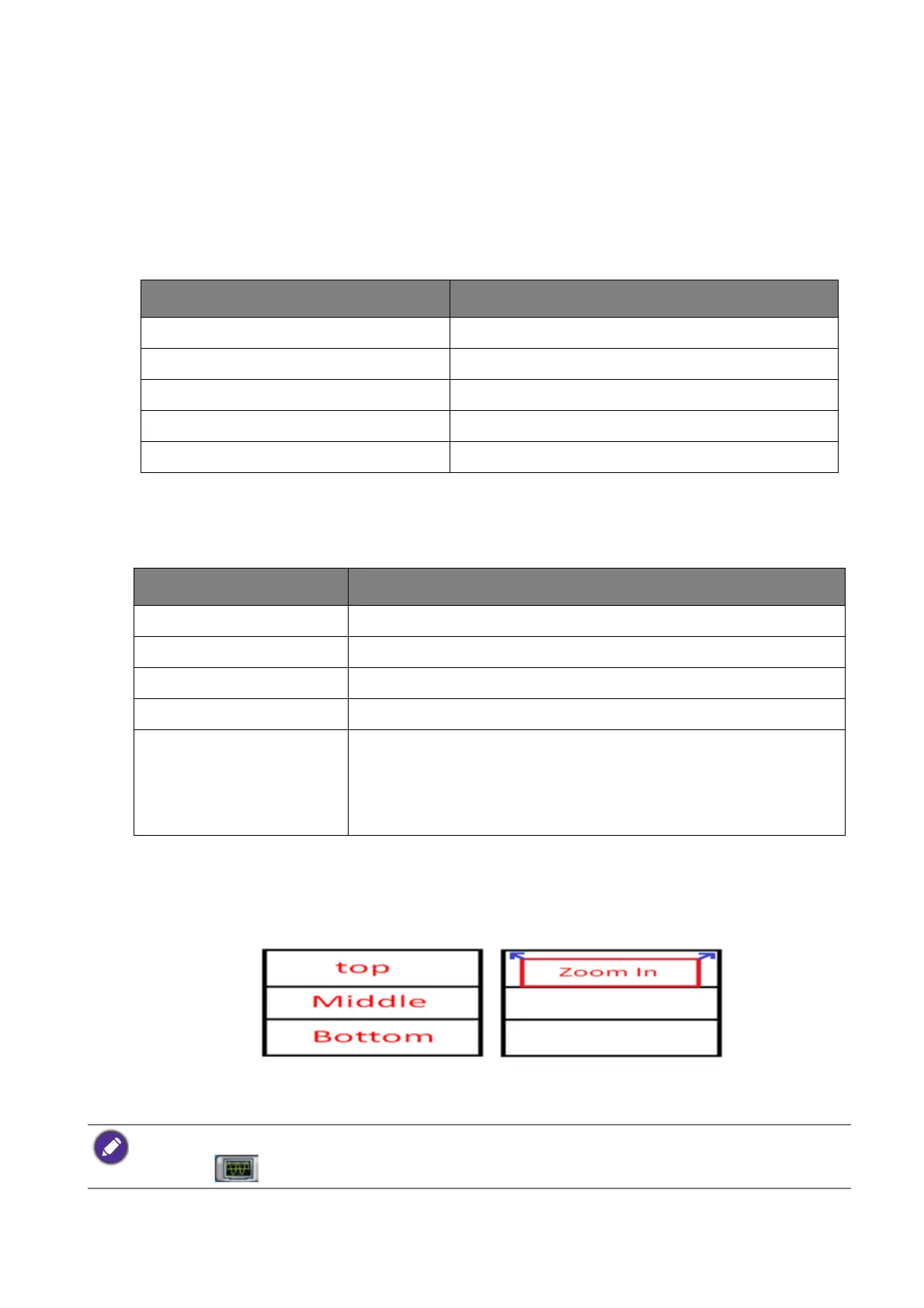
Position Description
Top The window is positioned to the top 1/3 of the screen.
Bottom The window is positioned to the bottom 1/3 of the screen.
Middle The window is positioned to the middle 1/3 of the screen.
Zoom Out The full screen is compressed into the window.
Zoom In • When the window is positioned to the top 1/3 of the screen,
the input image zooms in 3%.
• When the image is on the top and does not fill the screen, you
can choose this position to present the best effect.
• If the input source is not1920x1080, only Zoom Out can be selected.
• Frequency : Frequency narrows or widens the screen.



 To Next Page