89 Appendix 2: Basic Troubleshooting Checklists for IFP & IL
Part II: problem resolving attempt & troubleshooting
The following checklist helps you identify the problem and resolve it quickly. In case a specific
problem occurs, refer to its related section and follow the check items to resolve the problem.
Contact the service provider if the problem cannot be resolved as instructed in this checklist.
Possible problems are:
Power
Try the following if the display cannot be powered up.
Touchscreen
• Power • Touchscreen • Intermittent touch signal loss
• Ghost touch • Flickering picture • Condensation
• Failed calibration • Add extender/repeater • Noise/interference
• Compatibility - Cannot
detect IFP/DS
• Android/APPs • OTA
Check item
Check if
completed
Does the
problem still
exist?
Ye s No
Please try replace the power cord.
Check if the power cable has been properly connected.
Please try to connect the display to a different power outlet.
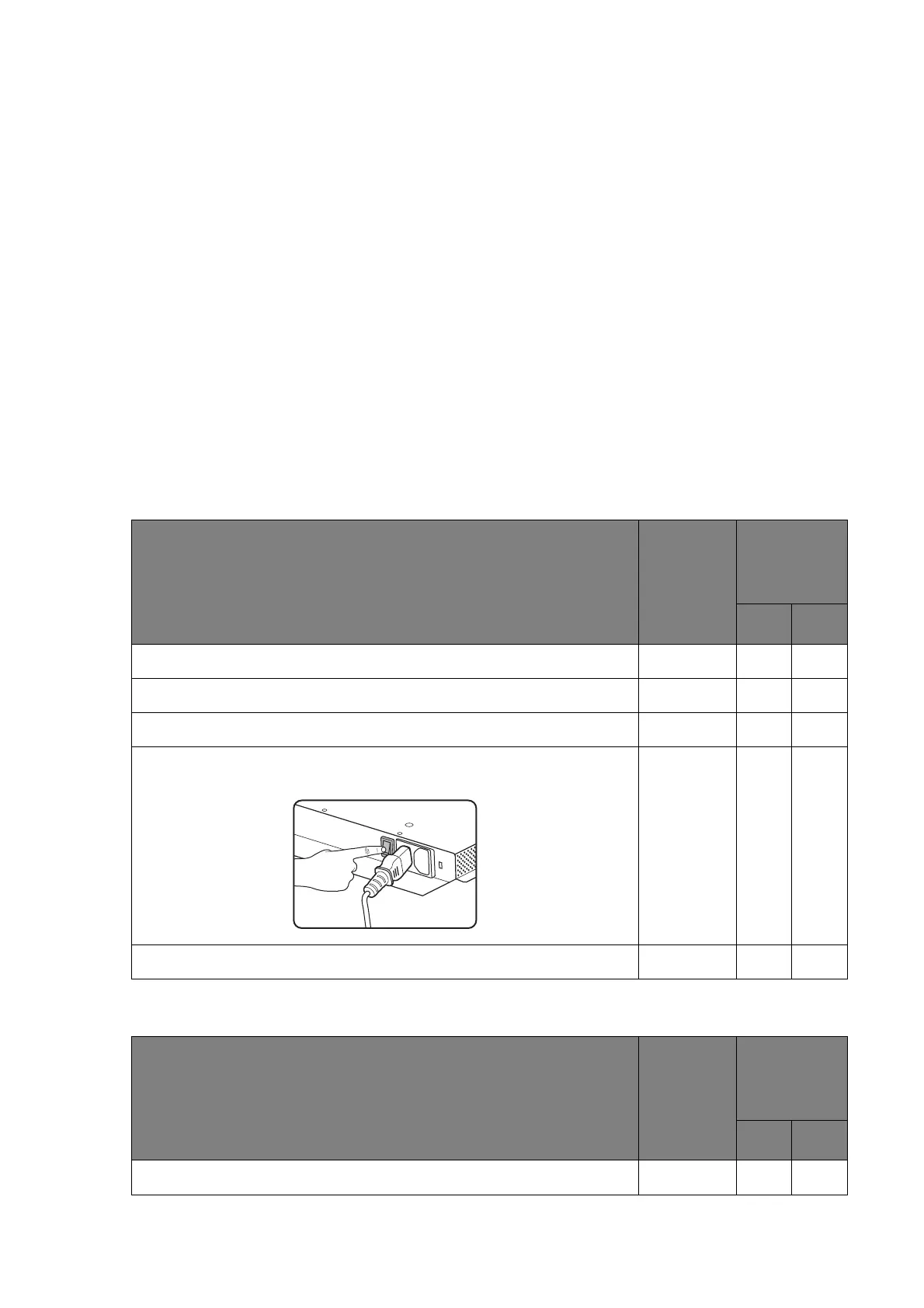
Make sure the power switch (usually located at the rear of the
display) is switched on.
Check the status of the power indicator – what color is it?
Check item
Check if
completed
Does the
problem still
exist?
Ye s No
Please try with another USB cable (Figure 3).



 To Next Page