91 Appendix 2: Basic Troubleshooting Checklists for IFP & IL
Ghost touch
Flickering picture
Check item
Check if
completed
Does the
problem still
exist?
Ye s No
Moisten a clean, soft, lint-free cloth with a neutral detergent and
then clean the frame and the touchscreen carefully.
Please try to draw the lines in Windows Paint (for Windows
operating systems).
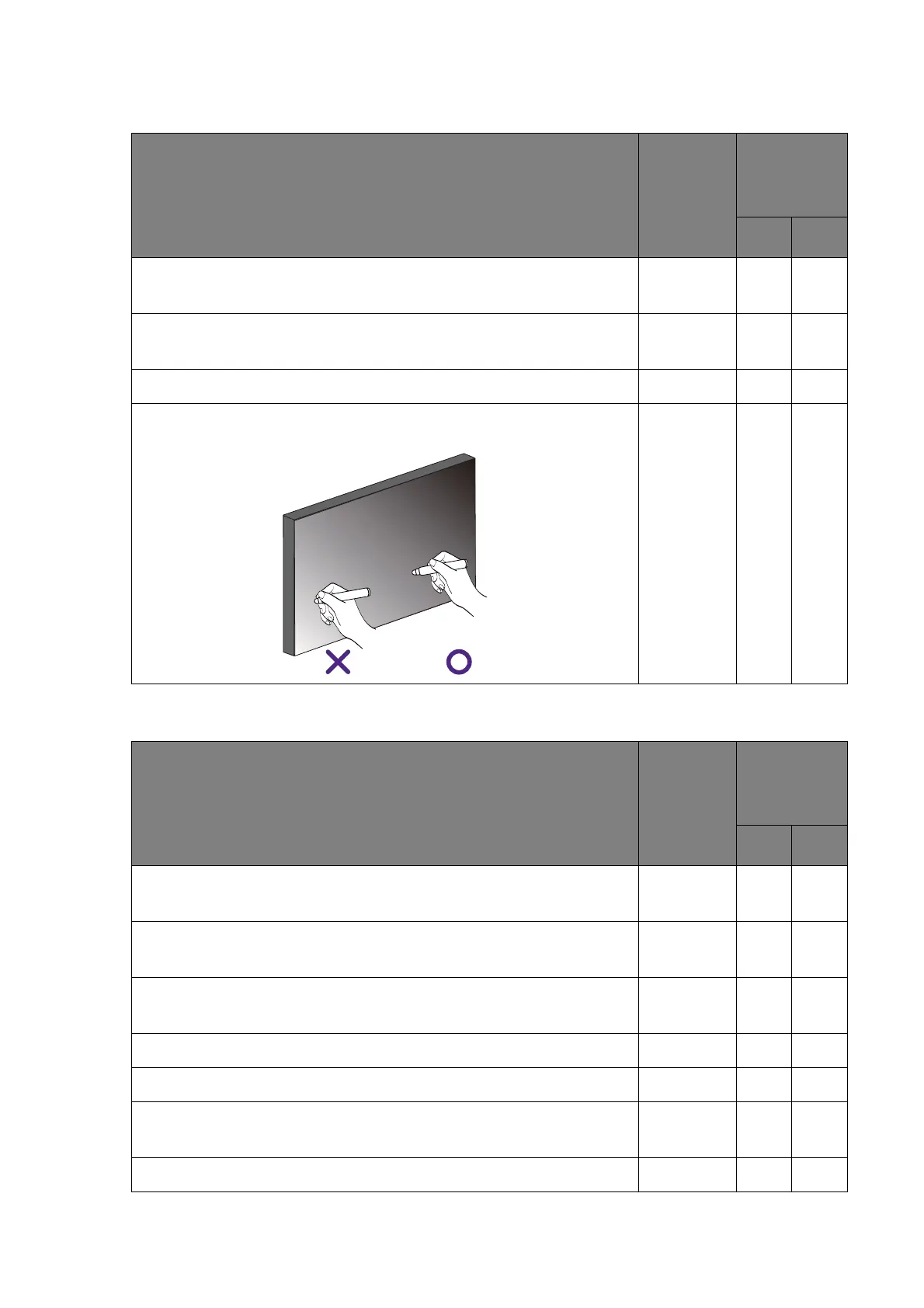
Make sure that only the tip of the touch pen touches the screen.
Keep your hand away from the touchscreen, as the detectors may
detect your hand even it does not touch the screen surface.
Check item
Check if
completed
Does the
problem still
exist?
Ye s No
Please try with another video signal cable (HDMI/D-Sub/DVI/
DP).
Please try with another video input. For example, change from
D-Sub to HDMI or DVI.
Please try with another video source. For example, change a
computer.
Check if all cables are connected properly.
Un-plug the USB cable (if connected, Figure 3).
Please try with a D-Sub cable with a thicker EMI core (ferrite
filter, Figure 10), which suppresses more high frequency noise.
Please try to connect the display to a different power outlet.



 To Next Page