51 Mounting installation
Mounting installation
For DH551F, three mounting options are available: Ceiling Mount on page 51, U-Mount on page
56, and H-mount on page 60.
Ceiling Mount
Tools needed
Secure bracket to ceiling
1. Identify types of the target ceiling: Concrete or wood.
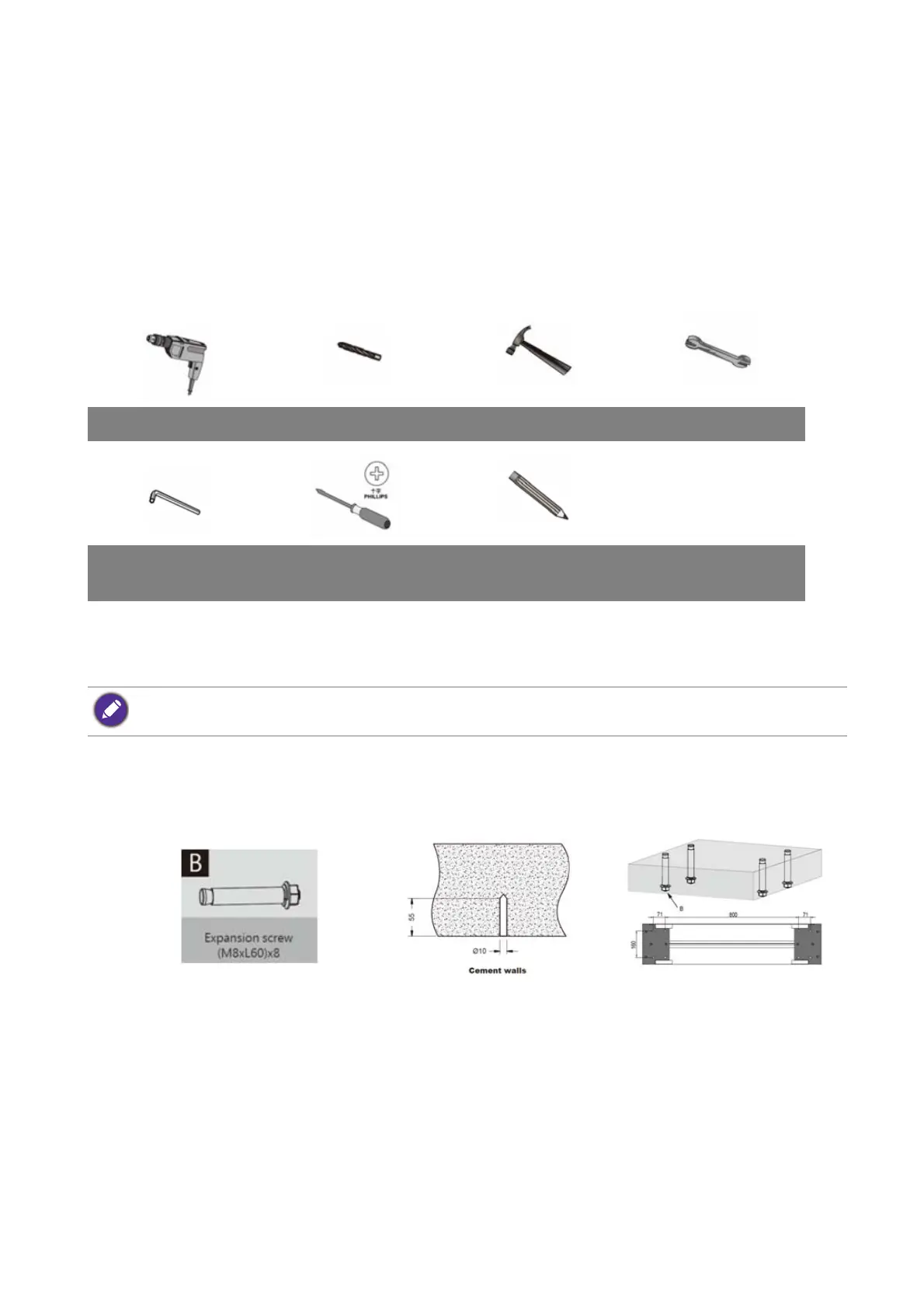
2. Drill holes of diameter 10mm and depth 55mm in concrete ceiling with power drill. Please
select expansion screws according to types of the ceiling. The expansion screws (B) come
with your product are designed for cement wall only. Screws for wood ceiling installation
shall feature adequate strength and validated by qualified technicians.
3. Hammer the expansion screws (M8xL60) (B) in the holes drilled earlier and tighten their
nuts.
Power drill Drill head Hammer Wrench 12mm
Allen wrench 5mm/
6mm
Phillips Pencil
DO NOT secure the bracket to any decorative post or plasterboard for wood ceiling.



 To Next Page