EasyManua.ls Logo

BenQ IL430 - Pictures for Reference

BenQ IL430
107 pages
Print Icon
To Next Page IconTo Next Page
To Previous Page IconTo Previous Page
Loading...
94 Appendix 2: Basic Troubleshooting Checklists for IFP
OTA
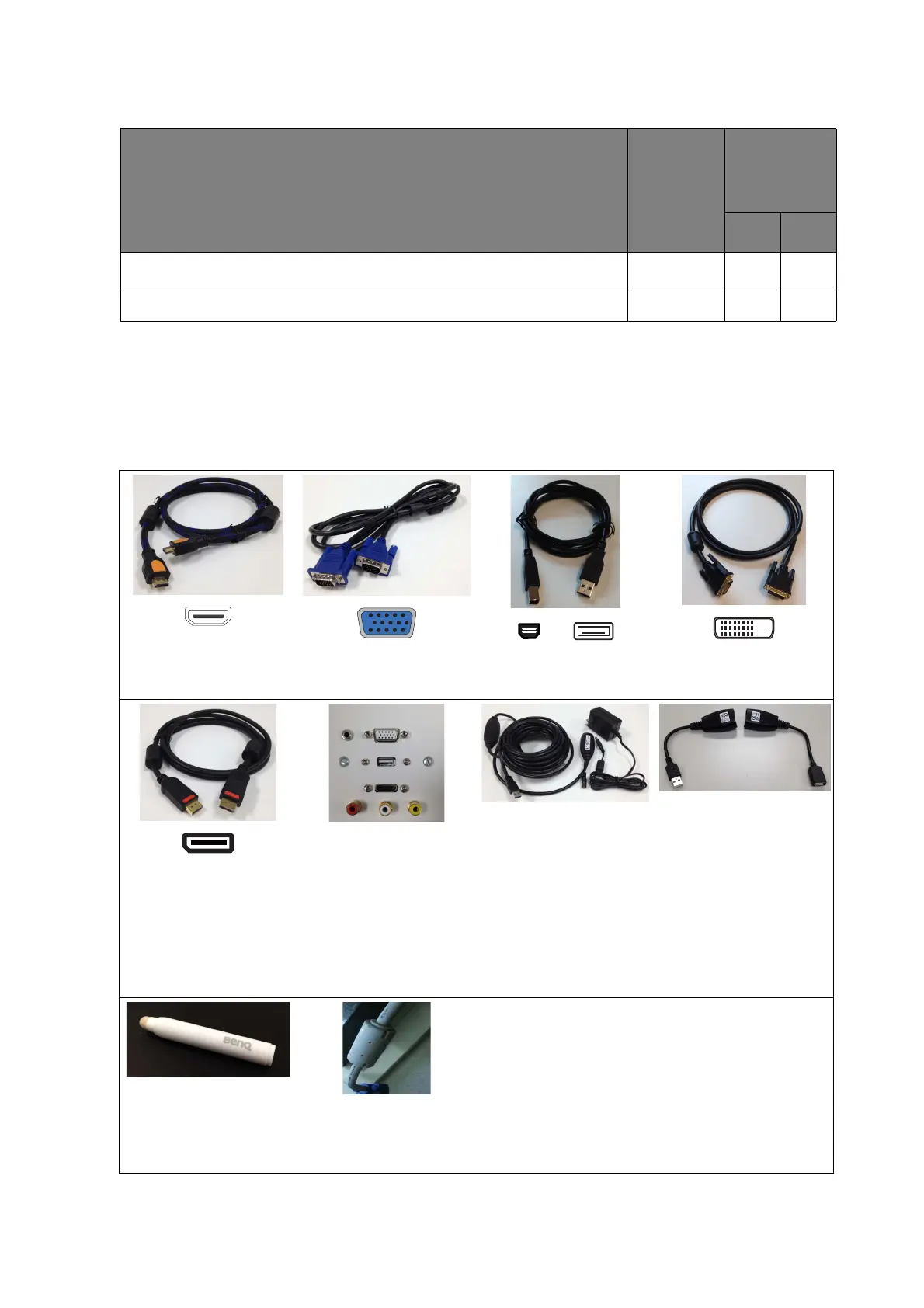
Pictures for reference
The following pictures are for your reference only. The cables or connectors may be different
depending on the products available in your country/region.
Check item
Check if
completed
Does the
problem still
exist?
Ye s No
Make sure the internet connection is extranet.
Try another internet connection (ex. Use hotspot from mobile).
Figure 1
HDMI cable
Figure 2
D-Sub (VGA) cable
Figure 3
USB cable
Figure 4
DVI cable
Figure 5
DisplayPort cable
Figure 6
Wall Faceplate (with
USB type-A port)
Figure 7
USB-powered hub
(Must be powered by
an adaptor and
plugged into a wall
socket.)
Figure 8
USB-CAT5 converter
Figure 9
Touch pen
Figure 10
VGA cable with
thicker EMI core

Table of Contents

Related product manuals