62 Digital Signage Bar-Type Series
BH series HDMI connetion (EXCEPT BH280/BH281/BH380)
HDMI in connection
Connect the BH series with PCs or laptop, go to Windows Setting > Display and choose
the BH series as an extension display. In the following methods, we use BH3801 (1920 x 600) as
an example.
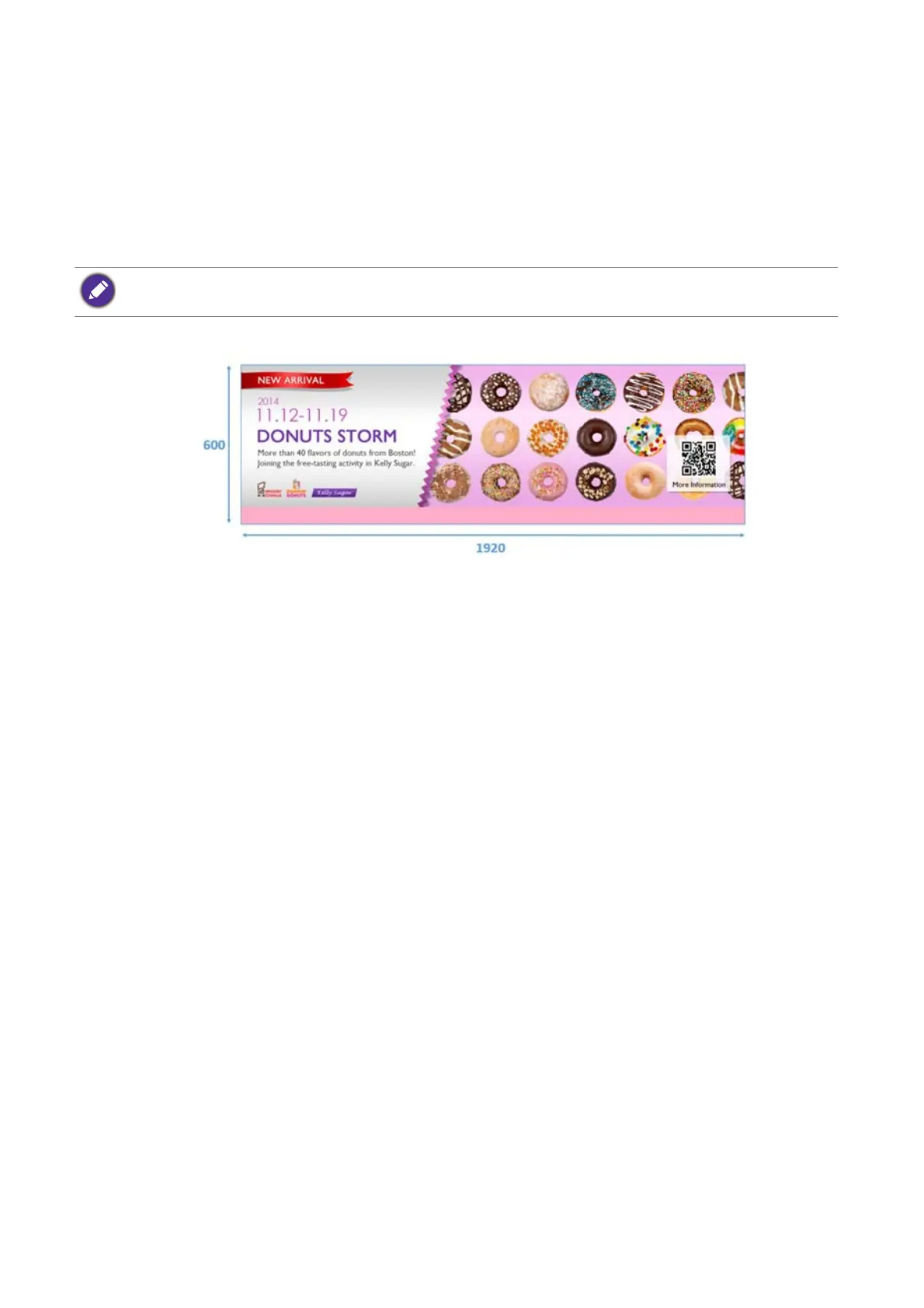
Method 1: Content is customized to the corresponding resolution 1920 x 600.
1. In Windows Setting > Display > Advanced display setting, select the BH3801 and
choose 1920 x 600 as resolution setting.
2. On BH3801, users can either choose Full or 1:1 in Display > Zoom mode.
If the 1920 x 600 content is not allocated at the right ratio, it is caused by frequently switching
between resolutions, and the setting in the video graphics card goes wrong.
1. Please go to Windows Setting > Display > Advanced display setting > Display
adapter properties.
BH2401/BH3501 are only applicable with method 2.



 To Next Page