90 Appendix 2: Basic Troubleshooting Checklists for IFP
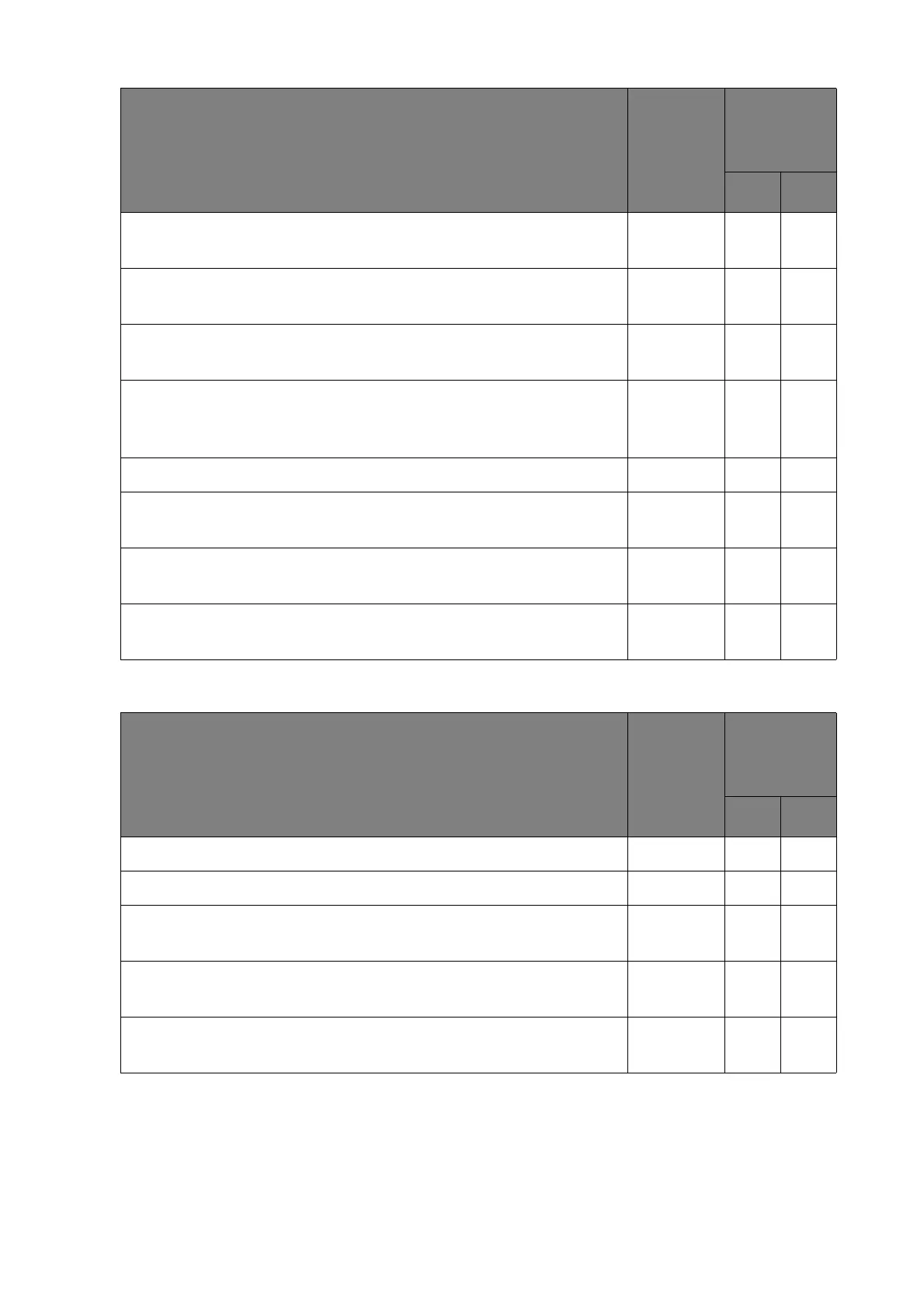
Intermittent touch signal loss
Please try with another USB port on the video source (e.g.
computer).
Please try to connect the display to another video source (e.g.
computer).
Please try to connect the display to the video source (e.g.
computer) directly without any extension/trunking/faceplate.
Try to un-install the Smart Notebook software (if provided), and
install an earlier version. Contact the service provider for an
earlier version if needed.
Try with Windows Paint (for Windows operating systems).
Try with a thicker touch pen (6 mm as recommended, Figure 9)
for drawing on the touchscreen.
Use USB cable shorter than 5m or use extender if longer than
5m.
If the touch is not working only under Android, please connect to
the external device to confirm.
Check item
Check if
completed
Does the
problem still
exist?
Ye s No
Check item
Check if
completed
Does the
problem still
exist?
Ye s No
Please try with a different video source (e.g. computer).
Please try with a shorter USB cable (Figure 3).
Please try with another USB port on the video source (e.g.
computer).
Please try use a USB-powered hub (Figure 7) to connect the
video source (e.g. computer) and your display.
Use USB cable shorter than 5m or use extender if longer than
5m.



 To Next Page