13 Display installation guide
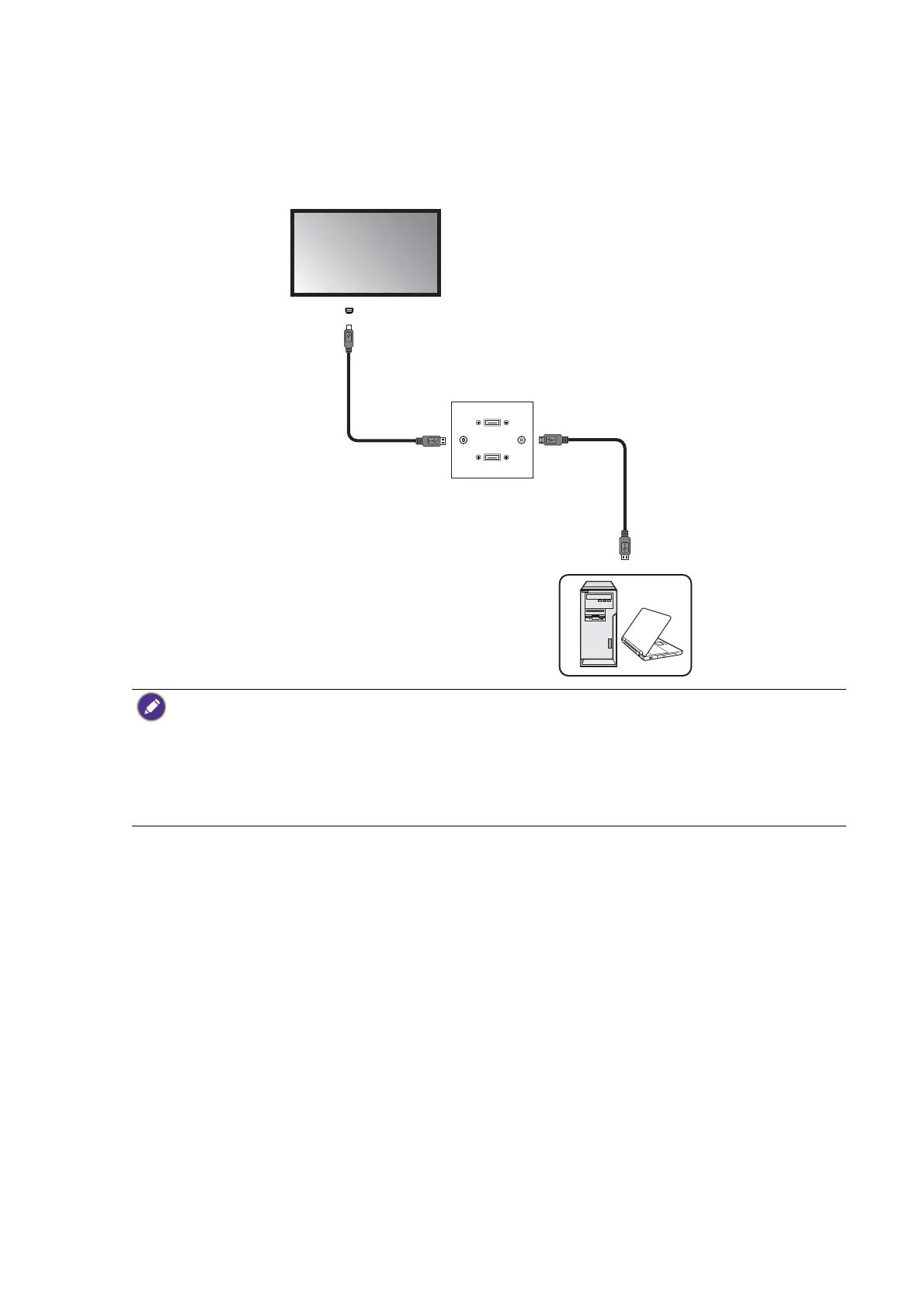
Connecting faceplate
1. Connect the mini-B plug of the supplied USB cable to the USB Mini-B port on the display,
and the type-A plug of the cable to the USB port on the faceplate.
2. Connect the computer to the faceplate using a suitable USB cable.
• Refer to the User Manual of your display for the location of USB port.
• Any cable used in prior installations for other displays and projectors in the same location should not be
used for a new installation of the display.
• Use only a high-quality faceplate.
• The total cable length between the display, computer and faceplate should not exceed 5 meters. If you
need to extend the length of USB connection, refer to "Extending USB connection" on page 14.
Faceplate
USB cable
Computer
USB cable
Display
USB port



 To Next Page