31 Video wall installation guide
Setting the display position
After all the displays are installed properly to a video wall, you need set the position of each
display to determine how to display the input image.
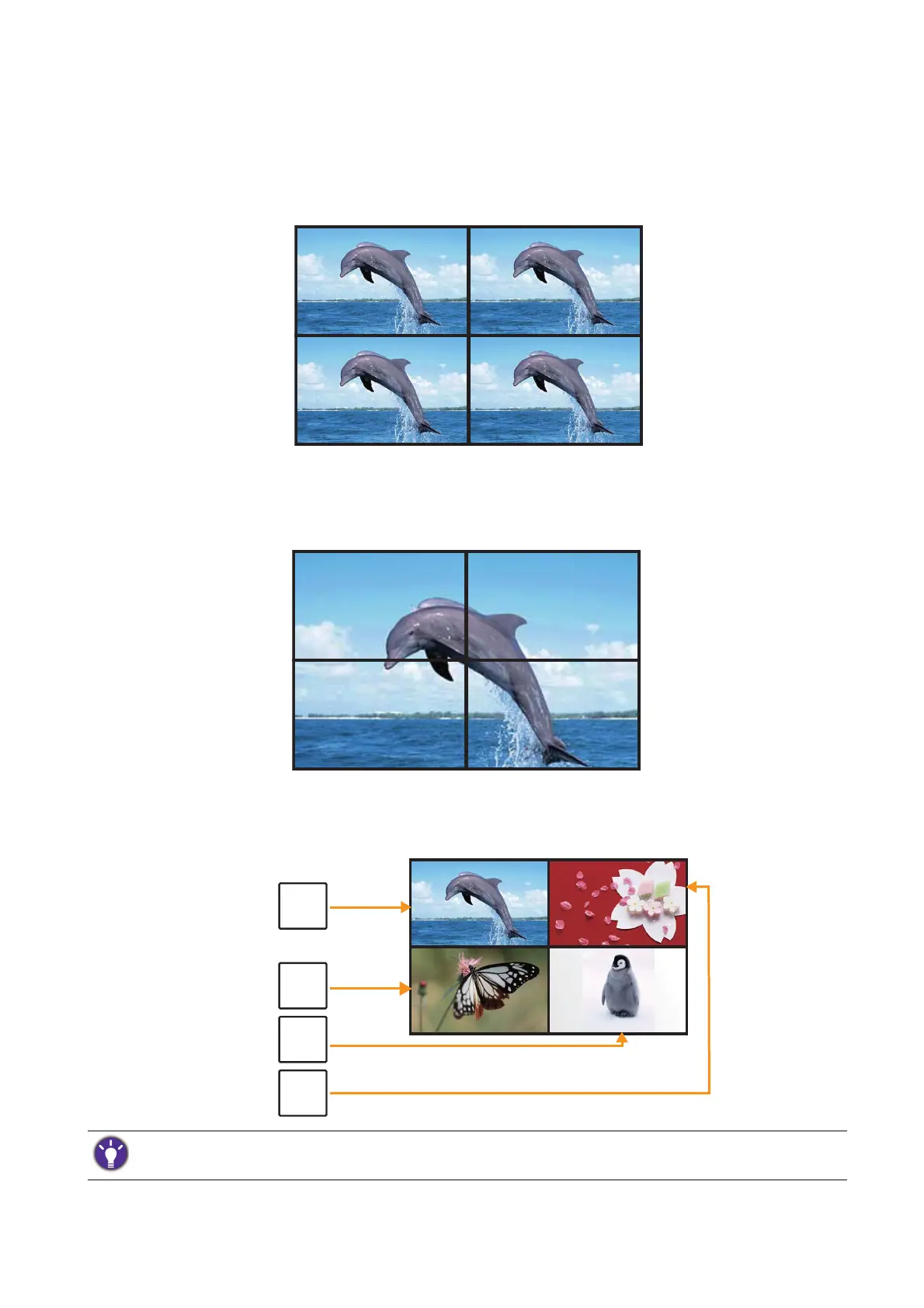
Without setting the display position, each display outputs the complete picture independently.
Once the position is set, the video source (e.g. computer) identifies the number of connected
displays and transfer part of the picture to each display accordingly. The video wall then outputs
one picture as a whole.
If you prefer to show different pictures on the displays of the video wall, you will need to have
independent video source for each display.
Though the video sources vary, you can still manage all displays via remote control, RS-232 commands, or LAN
control in this case.



 To Next Page