93 Appendix 3: Basic Troubleshooting Checklists for
Compatibility
Please check if the settings in the OSD are the same for all
displays.
Please confirm the total units are not exceeded the suggested
daisy chain Q'ty:
VGA: Suggested 4 units; Max. 9 units
DVI/HDMI/Display Port: Suggested 12 units; Max. 16 units
Try to connect to our display directly if splitter/matrix/video wall
controller is used.
Check item
Check if
completed
Does the
problem still
exist?
Ye s No
Check item
Check if
completed
Does the
problem still
exist?
Ye s No
Please change another signal cable and check if this problem is
related to signal cable (better quality & shielding cable is
recommended).
Please connect the Pattern generator (PC/Notebook/media
player) and display at the same power source, and make sure the
power cable has ground pin to avoid the noise interference.
Please connect the Pattern generator (PC/Notebook/media
player) and display at different power source, and make sure the
power cable has ground pin to avoid the noise interference.
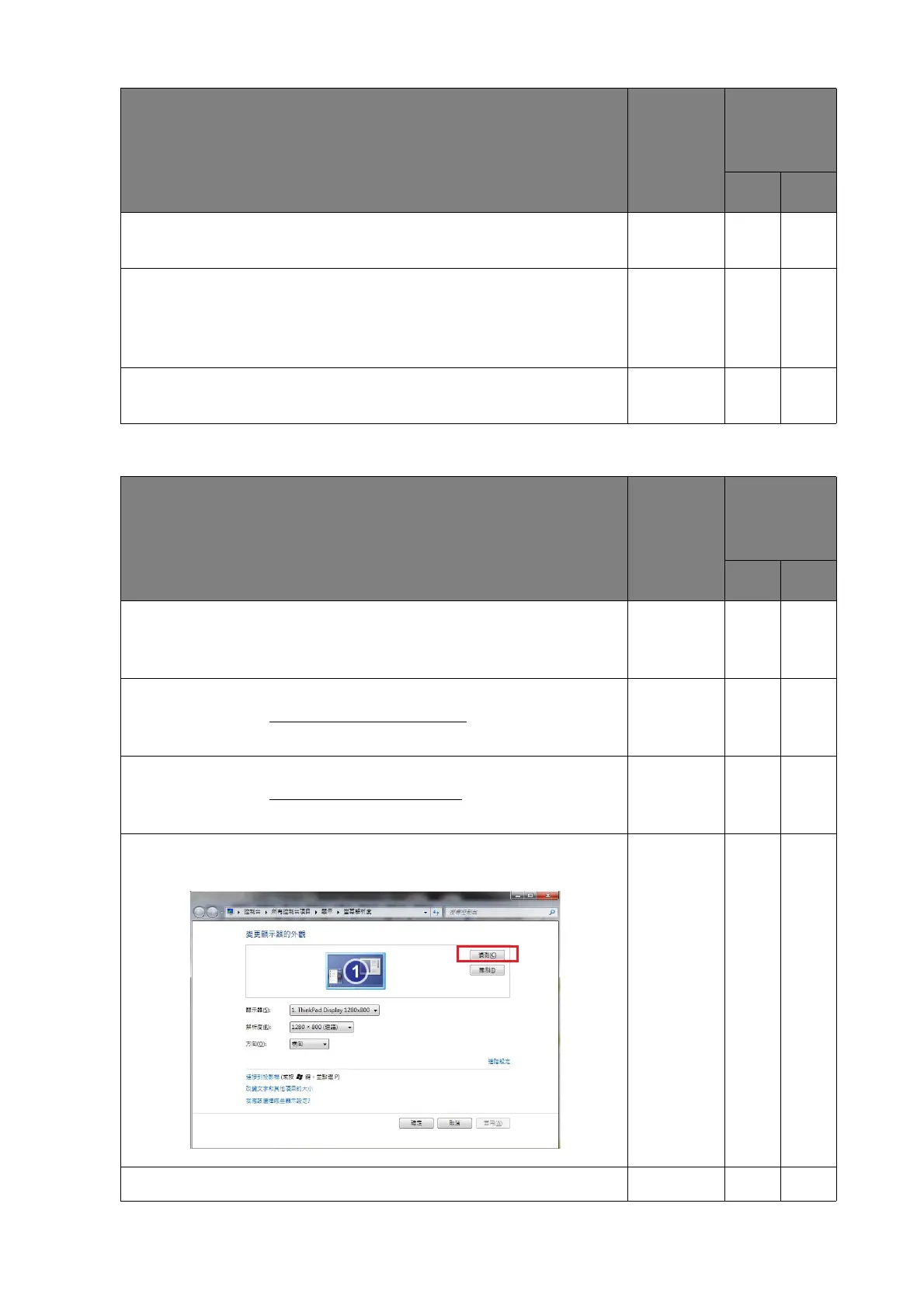
Check if the display name could be shown. If it is not shown,
please press detect button again.
Please make sure the graphic card driver is the latest version.



 To Next Page