Parts of the display and their functions8
Parts of the display and their functions
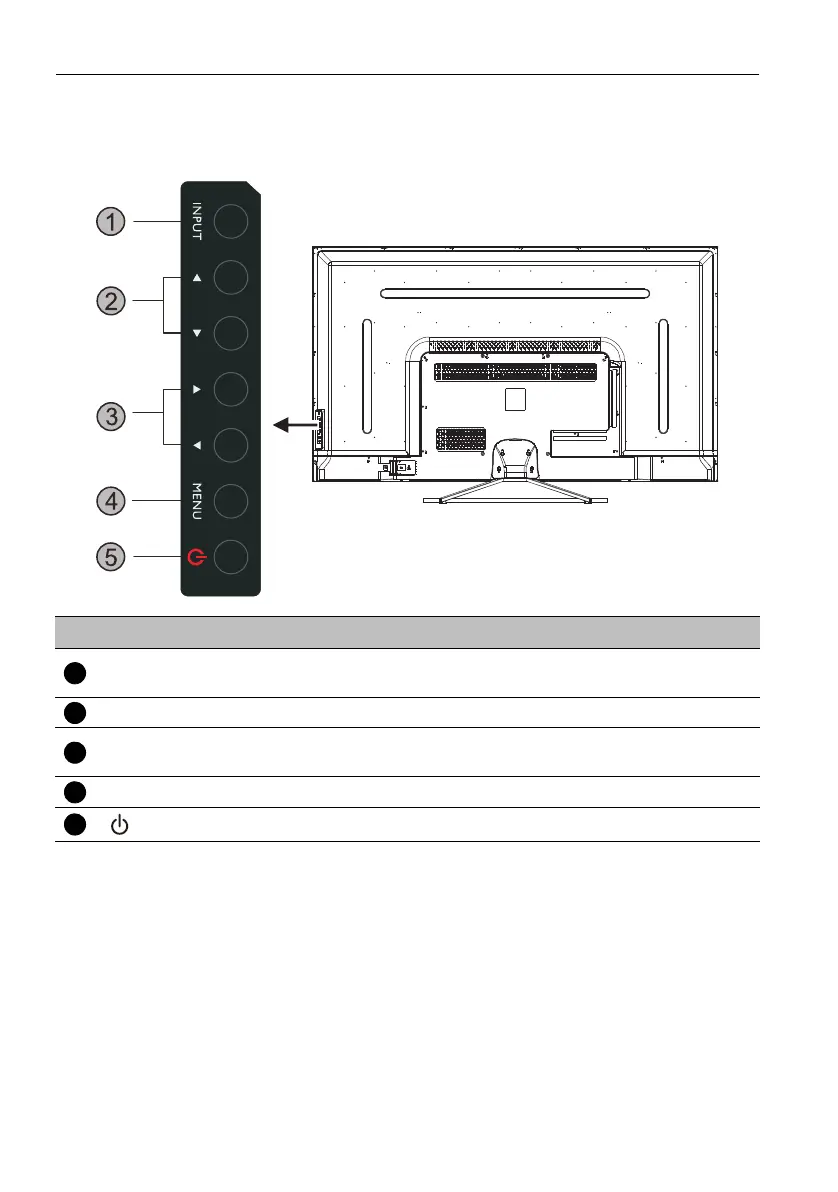
Rear panel
No. Name Description
INPUT
• Select/confirm options in On-Screen Display (OSD) menu.
• Select input sources.
/ Scroll through settings and options in the OSD menu.
/
• Scroll through settings and options in the OSD menu.
• Hot keys for audio volume adjustment.
MENU Open or close the OSD menu.
Turn the display on or off.



 To Next Page