Multimedia operation28
Viewing files
To view the files on your USB flash drive, simply plug your USB flash drive to the USB
jack on the display and select from PICTURE, SONG, VIDEO.
PICTURE
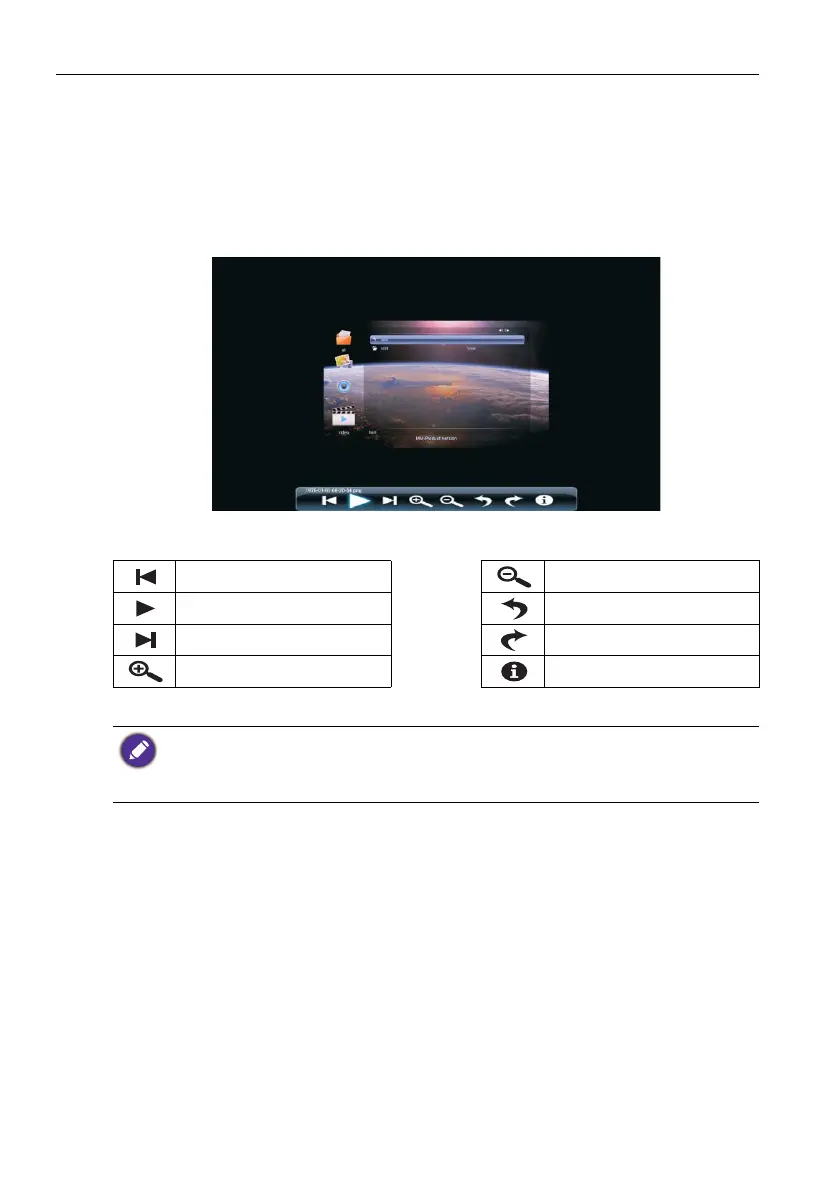
List all the supported image files in thumbnail view. Select the image you want to display
and perform the functions as provided on the screen according to your needs.
Picture Player Menu Options
Play the previous picture. Zoom out the picture.
Pause / Play lantern slide. Rotate 90° left.
Play the next picture. Rotate 90° right.
Zoom in the picture. Show details of the picture.
• Instead of pressing INFO button on the remote control, the metadata of the selection on the
cursor will be revealed around 3 seconds later.
• Use /// and OK to select multiple files as a playlist.
• Use /for previous/next image in the playback.



 To Next Page