Working with Android OS32
Working with Android OS
To switch to the Android OS, do the following:
1. Press the INPUT button on the remote control/control panel and select ANDROID.
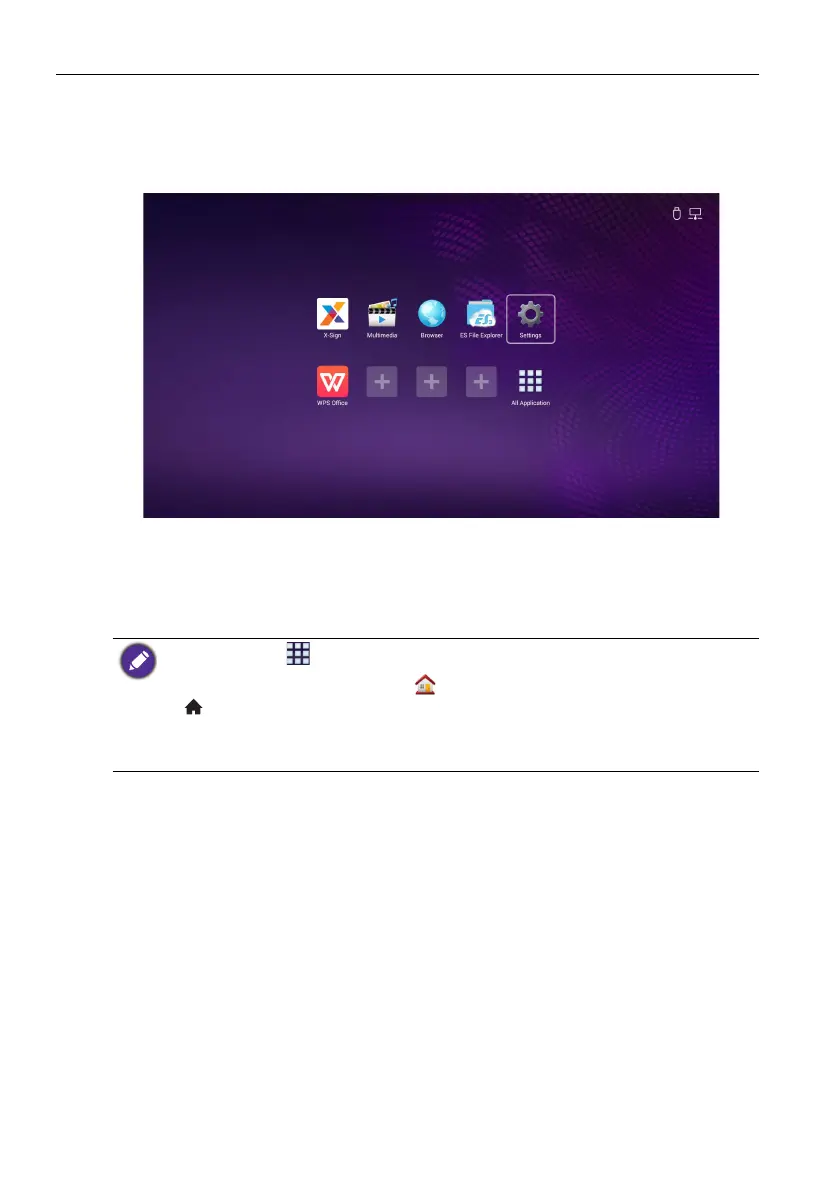
The home screen appears.
2. Select the application that you want to access.
• Using the touch pen: Tap your desired application icon to launch the application.
• Using the remote control: Press the or button to select your desired
application and press the OK button to launch the application.
• Select All Apps ( ) to access to all applications.
• To return to the home screen, tap the icon on the screen or press the Home button
() on the remote control.
• The system does not support any third party applications. The closed platform ensures the
proper use of the display by preventing downloads and use of unauthorized apps. This
minimizes unanticipated damages or breakdowns.



 To Next Page