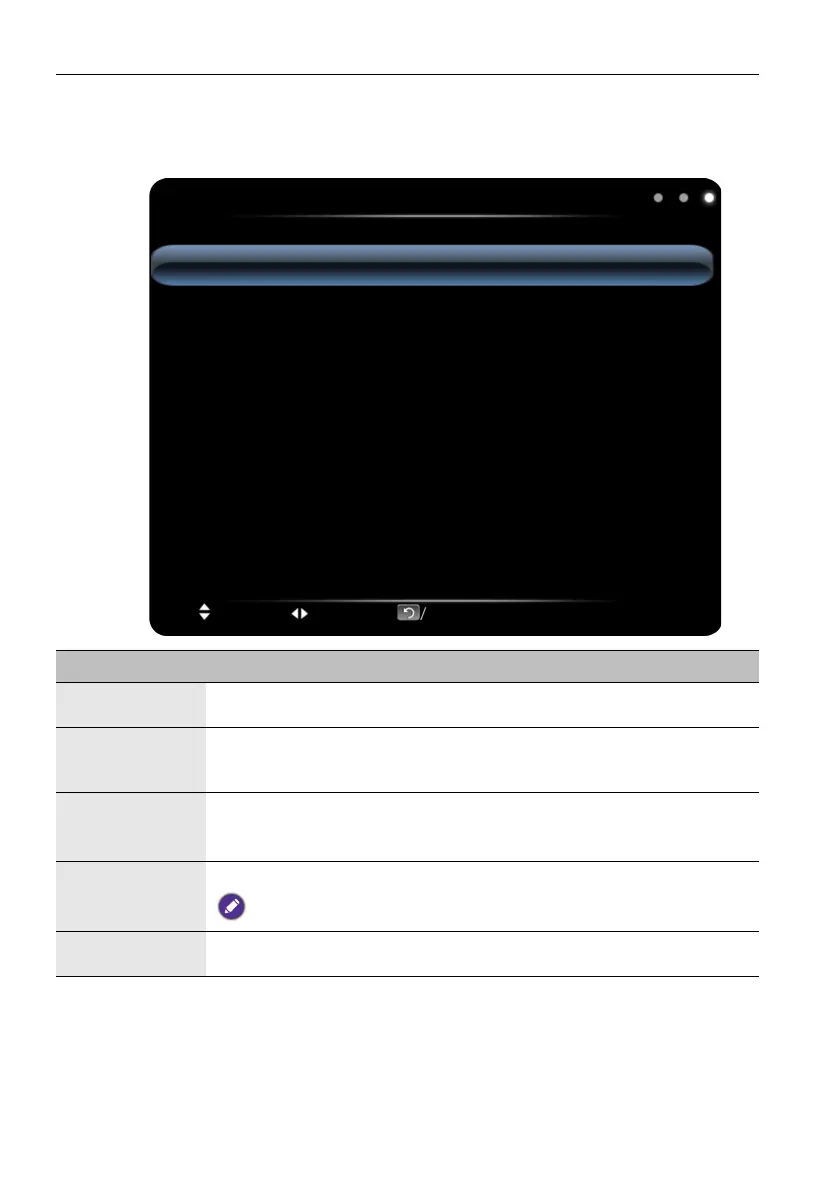
The OSD (On-Screen Display) menu26
Setting menu
Screen images and icons in this document are for your reference only. Actual displays may
vary.
Setting
Menu Time
Sleep Time
Power Logo
Software Update (USB)
Restore To Default
15 Seconds
Off
Default
Move Switch Menu:Exit OK/Source:Select
Name Description
Menu Time
Adjust the menu display time: 5 Seconds, 10 Seconds, 15 Seconds,
20 Seconds, 30 Seconds, Always.
Sleep Time
Set the waiting time before standby: Off, 10 Minutes, 20 Minutes, 30
Minutes, 60 Minutes, 90 Minutes, 120 Minutes, 180 Minutes, 240
Minutes.
Power Logo
Users can decide if they want the BenQ logo to be shown when the
machine is turned on: Default, On.
(The function is optional, please refer to the actual product.)
Software
Update (USB)
Update the Fireware by USB port.
USB 3.0 does NOT support this function.
Restore To
Default
Reset all the settings to default.



 To Next Page