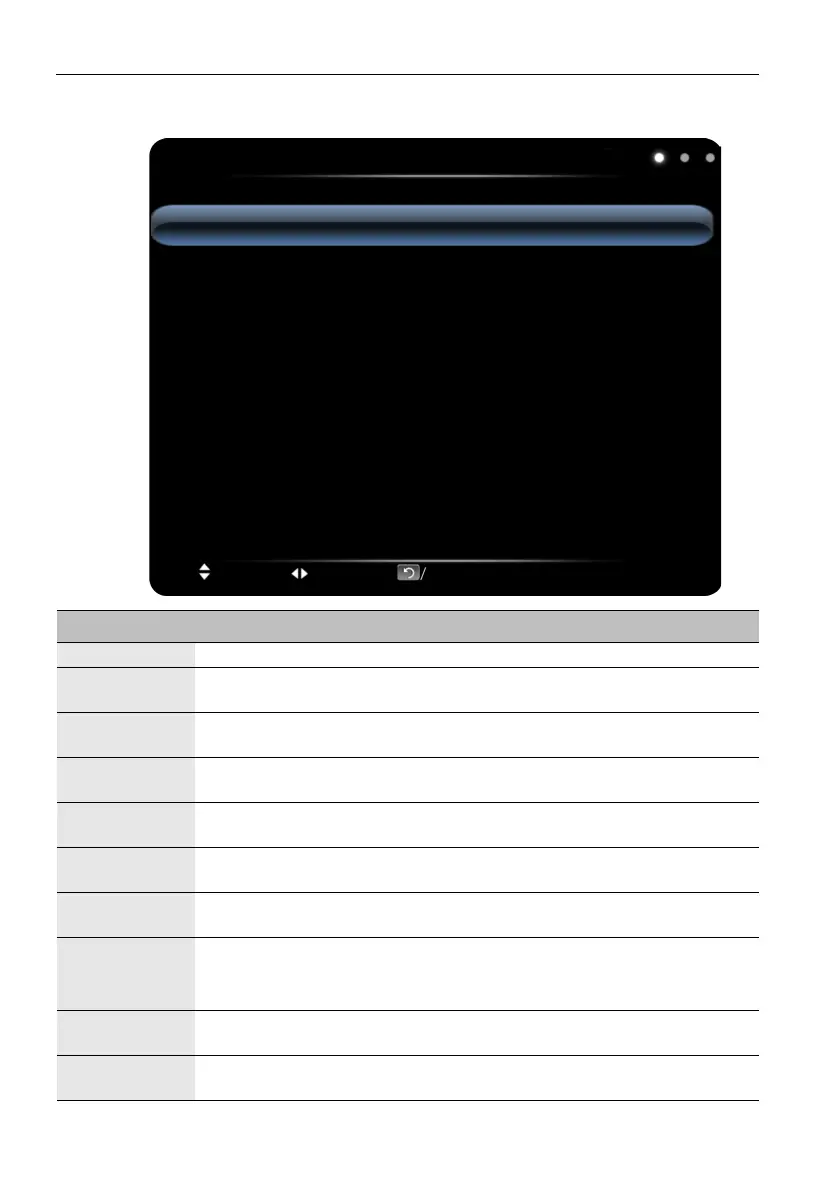
The OSD (On-Screen Display) menu24
Picture menu
Picture
Picture Mode
Contrast
Brightness
Hue
Sharpness
Saturation
Color Temperature
Zoom Mode
Standard
50
50
50
50
50
Standard
Full
Move Switch Menu:Exit OK/Source:Select
Name Description
Picture Mode Adjust the effects of images: Standard, Soft, User, Bright.
Contrast
Adjust the layerings of images: increase the analog value to improve the
contrast and decrease the analog value to reduce the contrast (0-100).
Brightness
Adjust the brightness of images: increase the analog value to improve the
brightness and decrease the analog value to reduce the brightness (0-100).
Hue
Adjust the hue of images: increase the analog value to increase green and
decrease the analog value to increase purple (0-100).
Sharpness
Adjust the sharpness of images: increase the analog value to increase the
definition and decrease the analog value to reduce the definition (0-100).
Saturation
Adjust the color depth of images: increase the analog value to improve the
depth and decrease the analog value to reduce the depth (0-100).
Color
Temperature
Adjust the color temperature of images: Standard, Warm, Cold.
Zoom Mode
Adjust the zoom mode. Zoom mode is supported by each input:
• HDMI: PC Mode, Full, 4:3, Film, Subtitle.
• VGA: Full, 4:3
Image Noise
Reduction
Set the grade of noise reduction: Middle, High, Off, Low.
PC Image
Mode
Adjust the screen aspect ratio in PC mode, which is valid in VGA signal
source.



 To Next Page