The OSD (On-Screen Display) menu 25
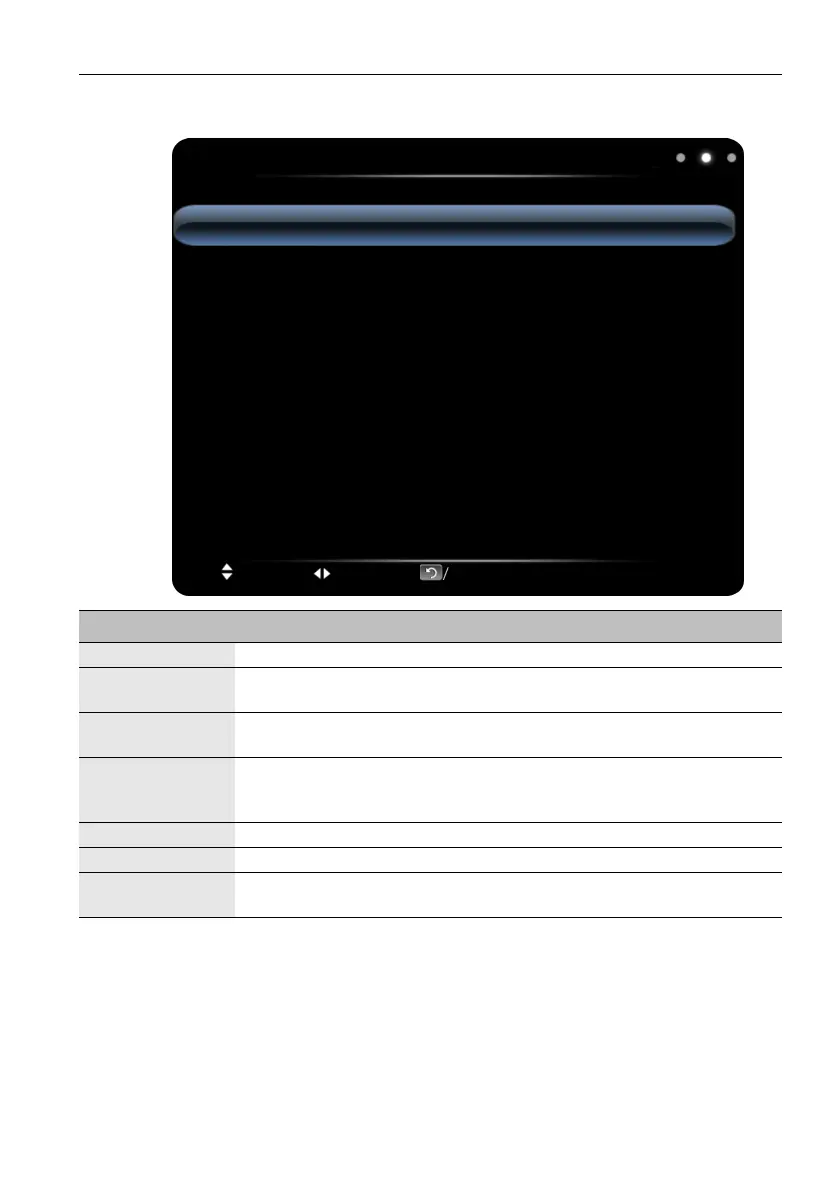
Sound menu
Sound
Sound Mode
Bass
Treble
Balance
Surround
Coaxial Output
Alone Listen
Standard
50
50
0
Off
PCM
Move Switch Menu:Exit OK/Source:Select
Name Description
Sound Mode Select the audio mode: Standard, Music, Movie, User.
Bass
Adjust the bass: increase the analog value to increase the bass and
decrease the analog value to reduce the bass (0-100).
Treble
Adjust the treble: increase the analog value to increase the treble and
decrease the analog value to reduce the treble (0-100).
Balance
Adjust the balance degree of the right & left sound track: move the analog
value to left to increase the left volume; move the analog value to right to
increase the right volume (L50-R50). Generally, the balance is set to 0.
Surround Select to turn on/off the surrounding sound.
Coaxial Output Select the digital audio output mode: PCM, RAW.
Alone Listen
Select this option to blank and output the audio only; press any key to
exit.



 To Next Page