Working with Android OS36
ES File Explorer
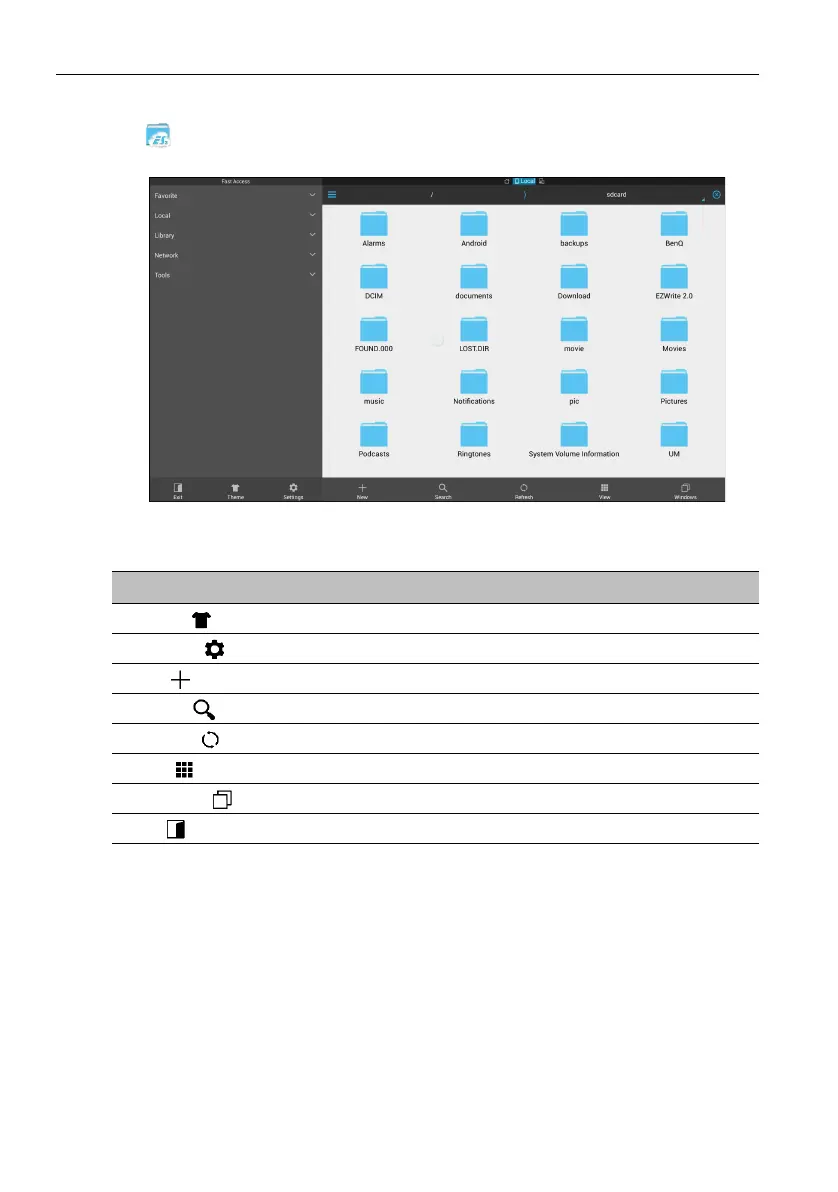
Tap to launch ES File Explorer. With this application, you can manage the files and
applications.
Tap the category on the left panel and select the desired folder to browse. Tap a file in
the folder, then you can view or edit the file according to the available options.
Function Description
Theme ()
Tap to change different themes.
Settings ()
Tap to access more advanced options.
New ()
Tap to create a new folder.
Search ()
Tap to search for files in the internal memory or external device.
Refresh ()
Tap to reload the current page.
View ()
Tap to toggle between the list view or icons view.
Windows ()
Tap to switch between open windows.
Exit ()
Tap to close the application.



 To Next Page