Basic operations 21
e. Select First DNS and Second DNS, and then assign a valid DNS server
address for the device.
f. Select save and press the OK button. A successful message appears on the
screen.
Wireless Connection
This display only supports BenQ WDRT8192 WiFi dongle. Please contact your local
dealer for more information on configuring the wireless connection.
Updating software
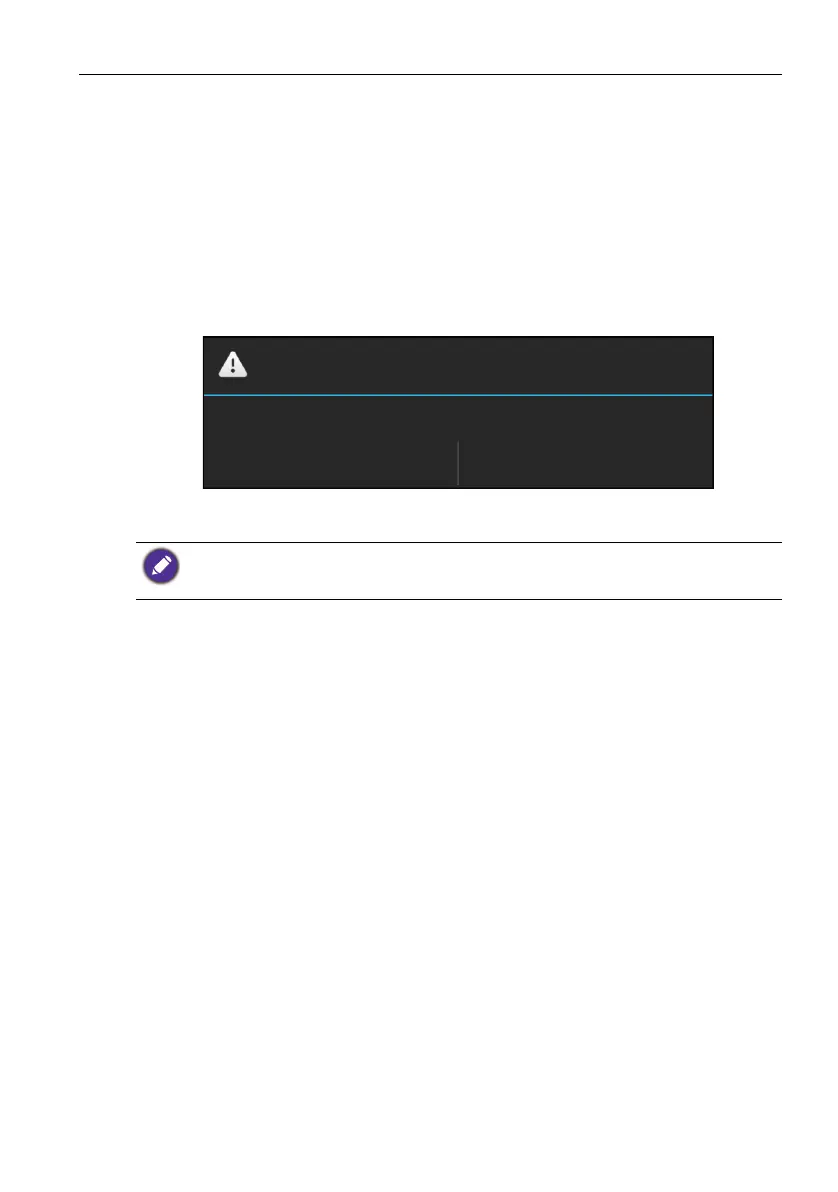
Whenever a new version of the software is available, the system will automatically detect
the update and will prompt you to download it every time you turn on the display.
If you want to update the software, select Yes and press the OK button on the remote
control. Or your can skip this step and update the software later.
• Software update process may take some time to complete.
• During the update process, do not turn off the device or disconnect the Internet connection.
Any interruptions during the software update process may permanently damage your display.
System Update
No
Find an OTA upgrade package! do you want to update? upgrade
package version:1.0.3, size:193M
Yes



 To Next Page