Connection14
Connection
Connecting audio/video signals
Pay attention to the following notes when you connect cables:
• Please turn off all devices.
• Familiarize yourself with the audio/video ports on the display and the devices you want
to use. Be aware that incorrect connections may adversely affect picture quality.
• Do not remove cables from the ports by pulling the cable itself. Always grasp and pull
the connectors at the end of the cable.
• Ensure that all cables are fully inserted and firmly seated.
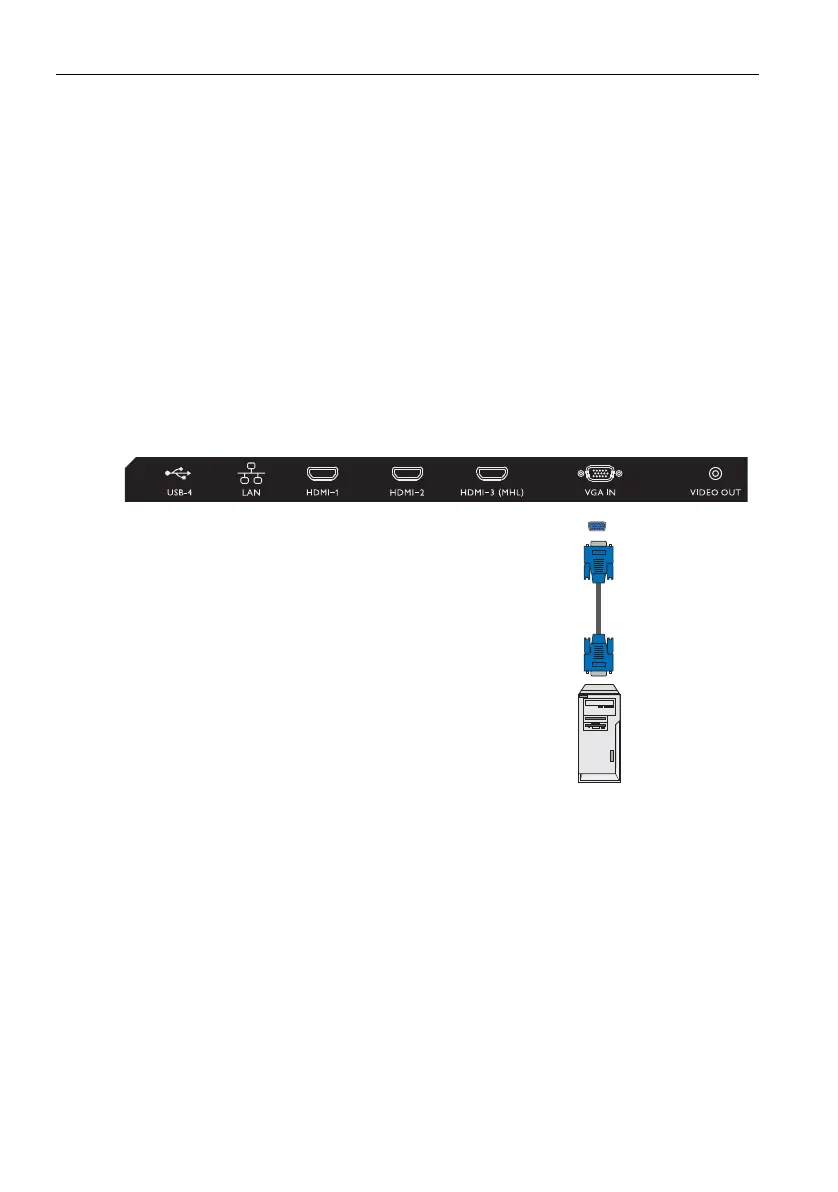
Connecting the VGA input
1. Connect the VGA jack on the display to the VGA output jack on a computer using a
D-Sub (15-pin) cable.
2. To view images from this input, press the INPUT button and choose VGA.



 To Next Page