Working with Android OS 33
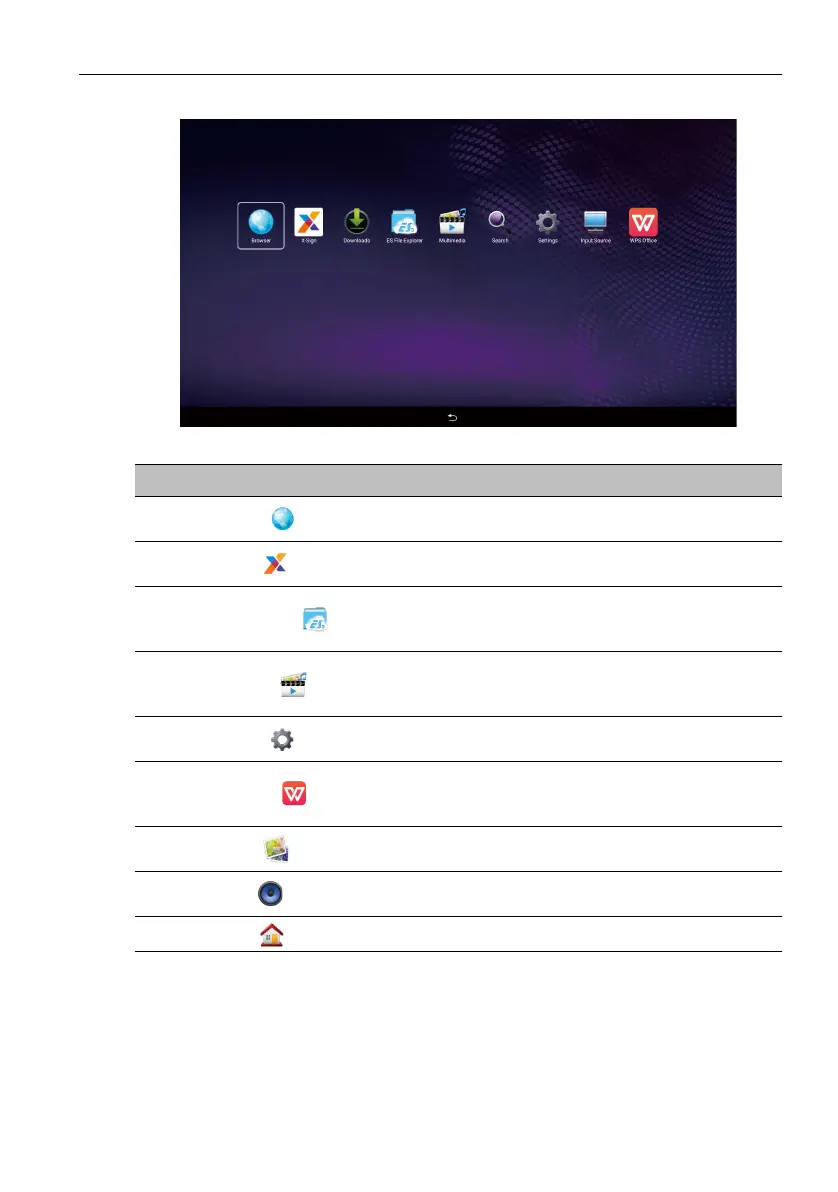
About All Apps
To operate the Android OS, use the touch pen or the buttons on the remote control.
Application Name/Icon Description
Browser ()
Access the web pages. Refer to Browser on page 34 for
more information.
X-Sign ()
Edit contents with X-Sign Designer. Refer to X-Sign on
page 35 for more information.
ES File Explorer ()
Manage files stored on the internal memory and the
connected storage devices. Refer to ES File Explorer on
page 36 for more information.
Multimedia ()
Browse the multimedia files stored on the internal
memory or the connected storage devices. Refer to
Multimedia on page 37 for more information.
Settings ()
Configure the network and device settings. Refer to
Settings on page 39 for more information.
WPS Office ()
Read and edit the files in Office formats, including, *.doc,
*.txt, *.xls, and *.ppt. Refer to WPS Office on page 40 for
more information.
Gallery ()
View the images stored on the internal memory or the
connected storage devices.
Music ()
Play the audio files stored on the internal memory or the
connected storage devices.
Home ()
Tap to return the home screen.



 To Next Page