Multimedia operation30
VIDEO
Select the video file you want to play and perform the functions as provided on the
screen according to your needs.
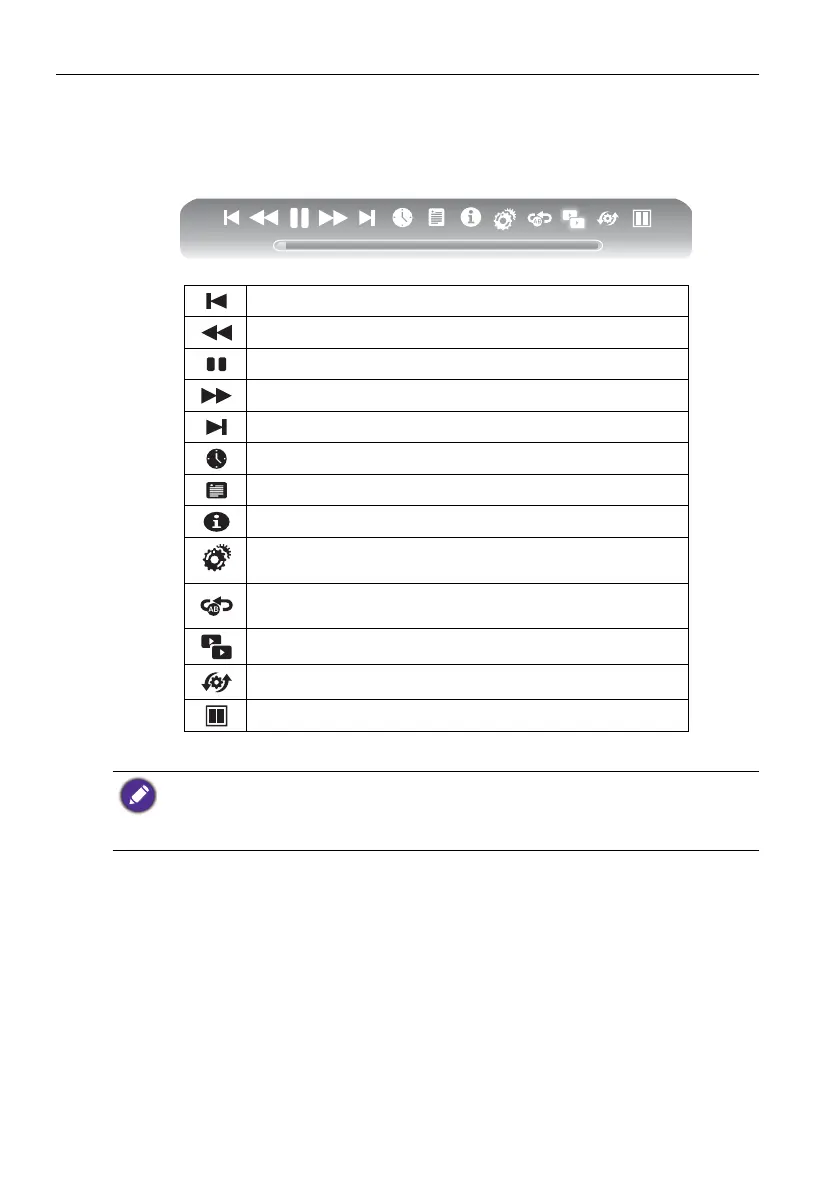
Video Player Menu Options
Play the previous video.
Select the speed of fast rewind.
Pause / Play the video.
Select the speed of fast forward.
Play the next video.
Select the starting time point of watching.
View the playing list.
Show details of the video.
Play setup; show/hide subtitle and adjust the audio
progress in this option.
Set A-B repeat playing; set point A and point B, and the
video will repeat between A and B.
A dual-screen display: start or off dual display function.
Select playing screen.
Select dual display window display mode.
• Instead of pressing INFO button on the remote control, the metadata of the selection on the
cursor will be revealed around 3 seconds later.
• Use /// and OK to select multiple files as a playlist.
• Press PREV/NEXT multiple times for multiple rewind/forward speed.



 To Next Page