16
In the main menus:
Press [ o switch among English, Korean, Japanese, Spanish
and Chinesse modes. (Suit for Chinese learners)
Press [TAB] to switch the main catalogue between simplified and
traditional Chinese in Chinese catalogue.
In the Main menus of function screens:
Press the corresponding numeric key to accese to function screens.
In the function screens:
Press [ to return to the main menu.
Press [ to return to previous menu.
Press [SHIFT] first, and then press [SAVE] to access the help.
6.1 Input Methods
The device provides several input methods, you can set your input
methods in “SYS--Input Setting”.
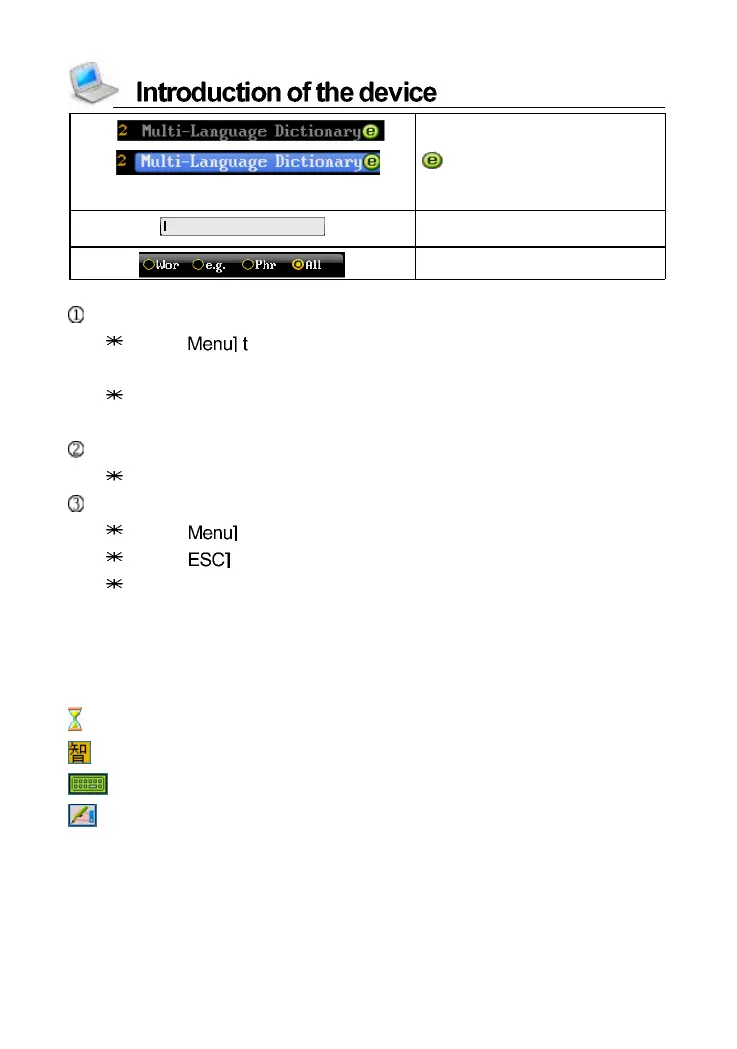
: Data searching...
: Corresponding input methods.
: Tab to access Japanese Soft Keyboard.
: Tab to access handwriting recognition.
U ps ide pictur e- --u ns el e cte d
Downside picture---selected
“
”--- Pl eas e log-in our
we bsi te to down lo ad
On -l in e Servic e
Input the word which you want
to search
C ho o s e t h e ty p e o f s ea rc h



 To Next Page