31
2.1 Font Size
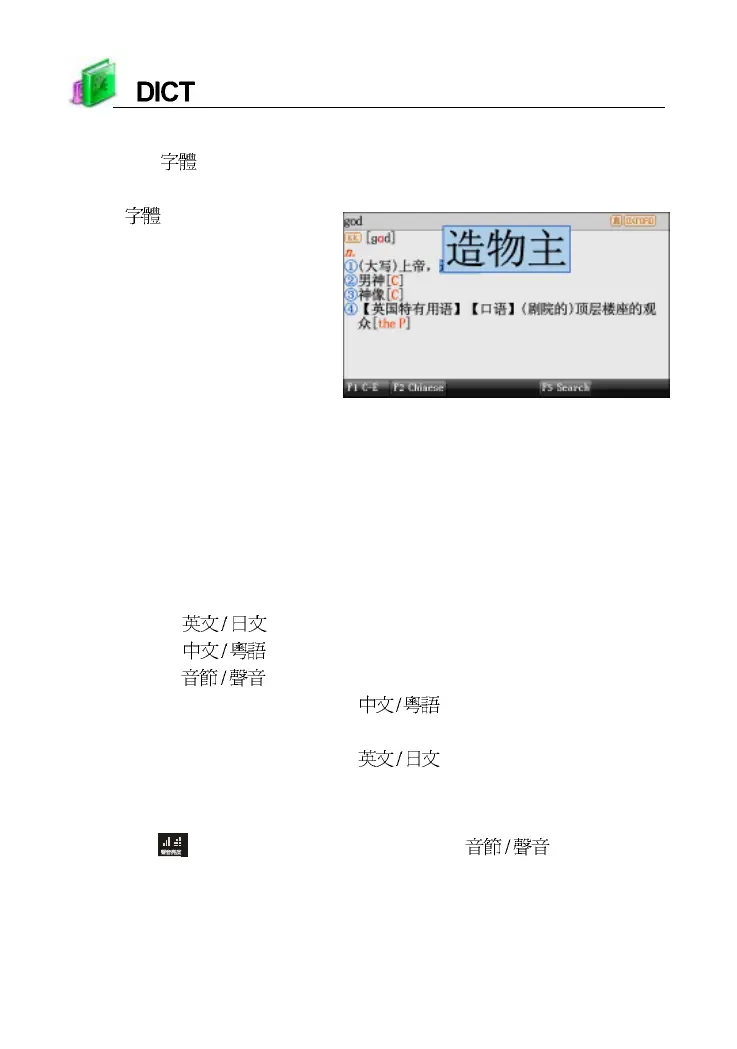
Press [ ] to switch 5 kinds of font sizes, and provides magnifying the
highlighted words.
Press [ ] to magnify the
highlighted words
2.2 Saving Data
Press [SAVE] to save words or sentences for review and test. Only the
saved data can be displayed in “STUDY--Review and Test”.
2.3 Pronunciation
In the explanation screen :
* Press [ ] to listen to English pronunciation.
* Press [ ] to listen to Chinese pronounce.
* Press [ ] to listen to syllable pronounce.
* Press [SHIFT] once and press [ ] to listen to Cantonese
pronunciation.
* Press [SHIFT] once and press [ ] to listen to Japanese
pronunciation.
* Press [ESC] to stop pronunciation.
*Tap
or press [SHIFT] once and press [ ] to set volume
and speed.



 To Next Page