82
(Play eBook): Play the eBook in the simulating circumstance.
(Convert images): To convert BMP file into HCA file.
(Set [start/end] Moving path): To set moving path for the text or
image.
2.1.1 Creating a Project
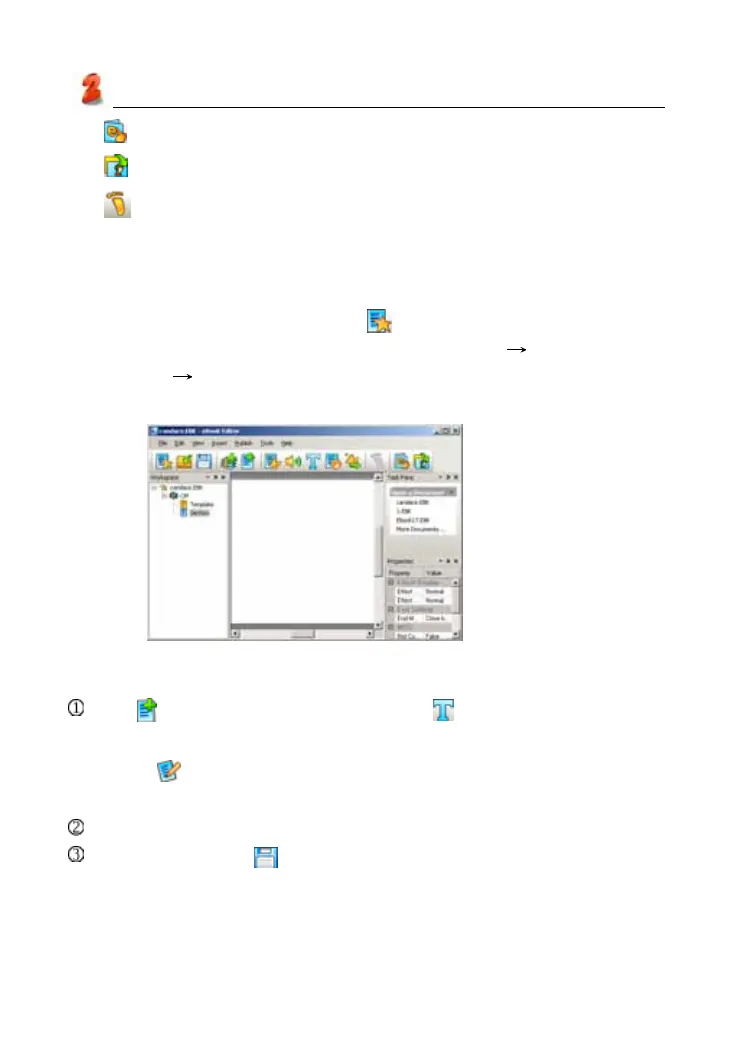
* On the “Index” screen, click icon in the top left of the tool bar.
* Input “Project Name” (you can name it by yourself)
Select the model
platform click “OK”. (as picture 9)
* Click the “Properties” bottom to modify the contents’ mode.
2.1.2 Creating Text
Tap to create a new section, then click to access text editing area.
* Input words in the text editing area directly.
*Tap
on the tool bar to choose the type of files (.txt or .html), then
loading the files directly.
Choose the type of the “words effect” what you want. (as picture 10)
Click “OK” and tap to save text files at last.
picture 9
Service Toolkit



 To Next Page