83
2.1.3 Loading Images
Before loading images, you have to convert BMP, JPG or GIF format into
HCA format. It is recommended that your images are less than 320*240
pixels.
2.1.3.1 Loading Images(Static Images, Animation Images)
Select “Section” or to add a new section, then click from the tool
bar.
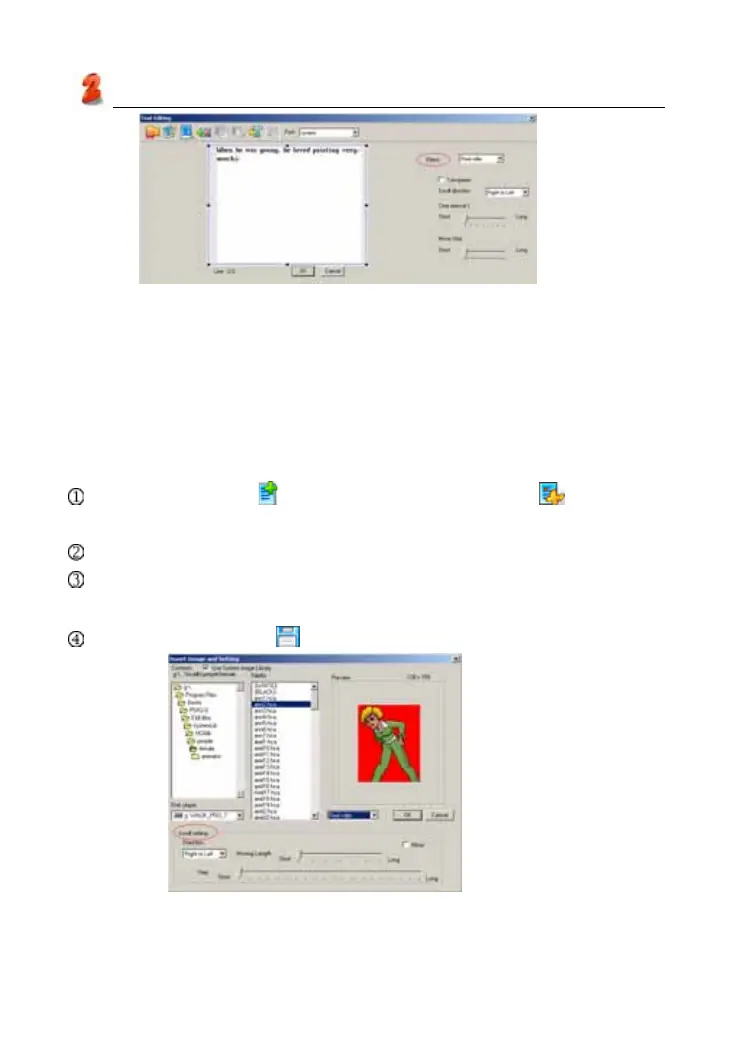
Tick “Use system image library”, select HCA file from file folder.
Select an image variety mode in the preview area (as picture 11):
Normal, Reel roller, Stereo scroll.
Click “OK”, then click to save file.
picture 10
picture 11
Service Toolkit



 To Next Page