68
2.1 Creating New Folder
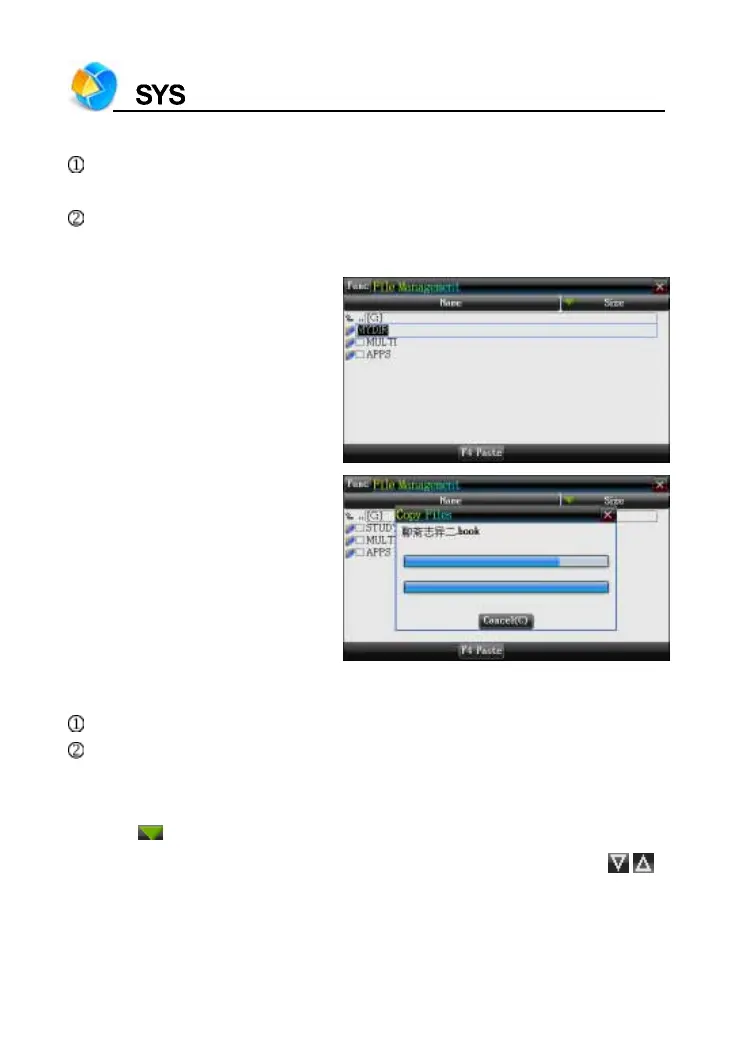
Open the path in which you want to create new folder, and tap [Func] to
select “2 New Folder”.
The default name of new folder is “MYDIR”. Input new name and then
press [ENTER] to confirm.
Creating new folder
Copy data to device from card
2.2 Rename
Choose your desired file, and then tap [Func] to select “3 Rename”.
Input new file name, and then press [ENTER] to confirm.
2.3 Putting Folders in Order
*Tap to select item, as which the folders will put in order.
* Tap “Name” to put folders in the order, which will be marked by
/ .



 To Next Page