32
2.4 Repetition
Repetition is available on the explanation screen. Press [SHIFT] once,
and then press [ ] once, the device will repeat the current Chinese/
English headword. (The times of repetition can be set in “SYS--Sound
Setting”).
2.5 Read after the Device
Read after the device is available on the explanation screen. Press [
] once to practice Chinese/English pronunciations. (Recording time
is about 5 seconds.)
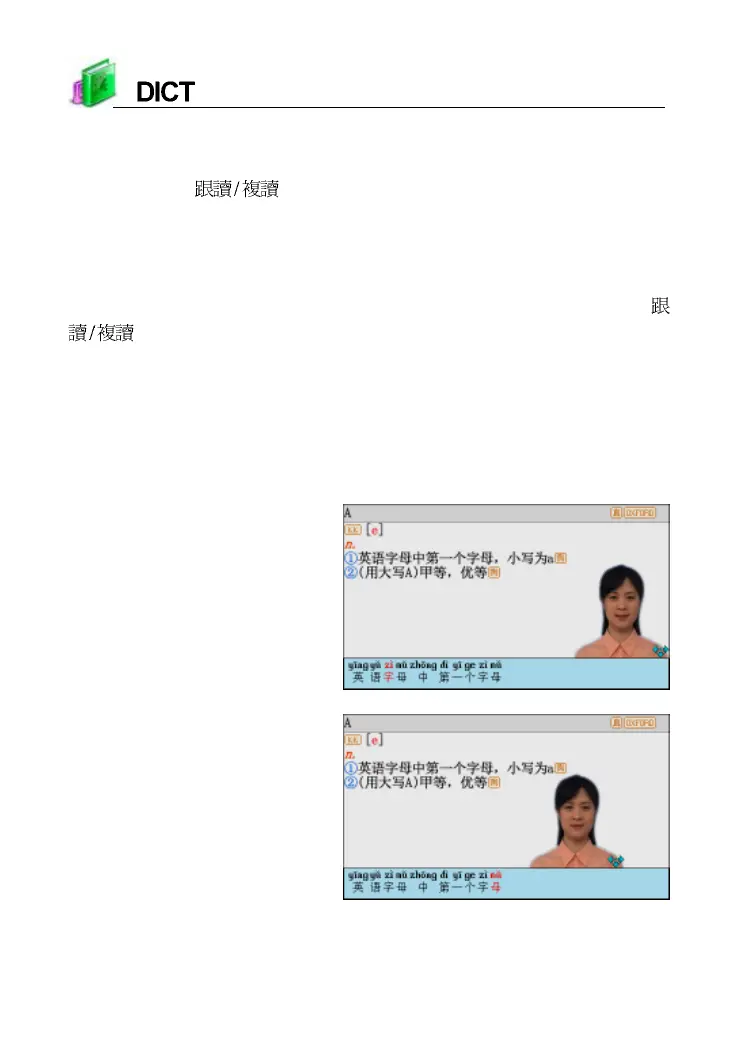
2.6 Pronounce Chinese words word by word
The dvice can pronounce Chinese word by word, it make you easy to
learn pronunciation. Please set the function in the “SYS--Sound Setting”.
“Visual Speech” screen
Press left/right/up/down key
to move the portrait of screen



 To Next Page