67
While connecting:
!! please do not interrupt, otherwise data may be lost. please make
sure there is enough power or the adapter is inserted.
!! Before pulling out the USB connecting line, please uninstall the
USB device safely.
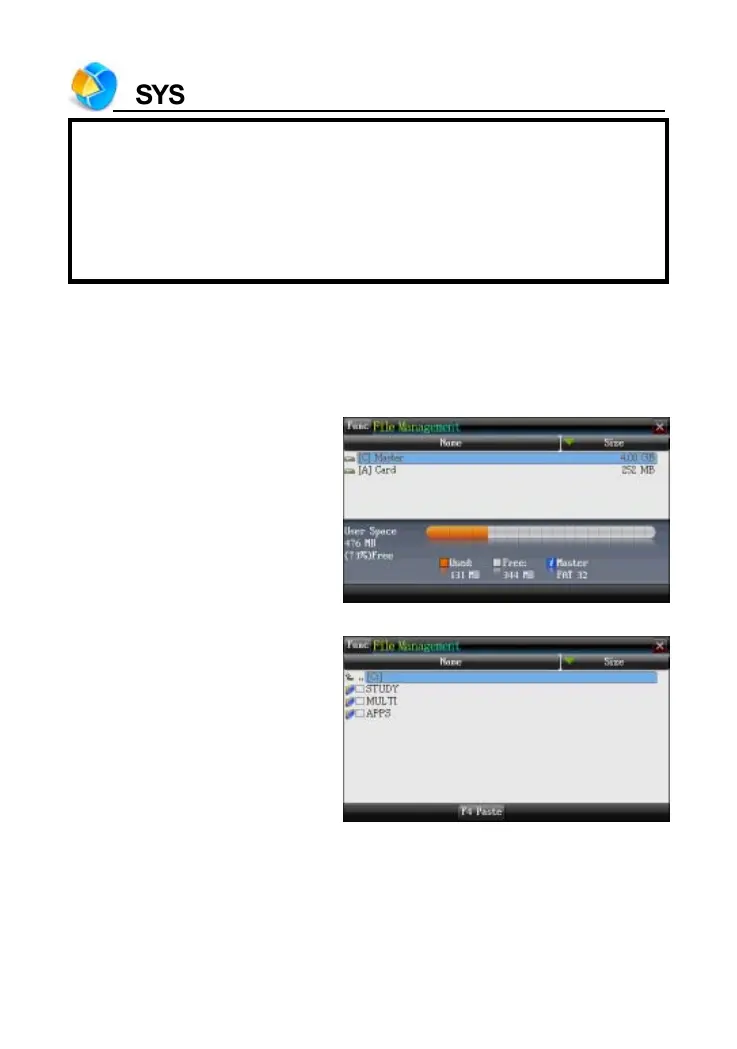
2. File Management
This function allows to transmit data between card and the device. You
can create new folder or rename folder.
Open the top path
Press [ENTER] to access
the selected disk



 To Next Page