33
Notes:
/ / / key show the moving scope of the portrait of screen, / key
to move the position of the portrait,
key show moving the portrait to
the downside of screen to close the caption, key show opening the
caption.
3. Strokes
When device download the function of strokes, there will be the [F4
] button in the explanation screen of Chinese Dictionary and J-C/C-J
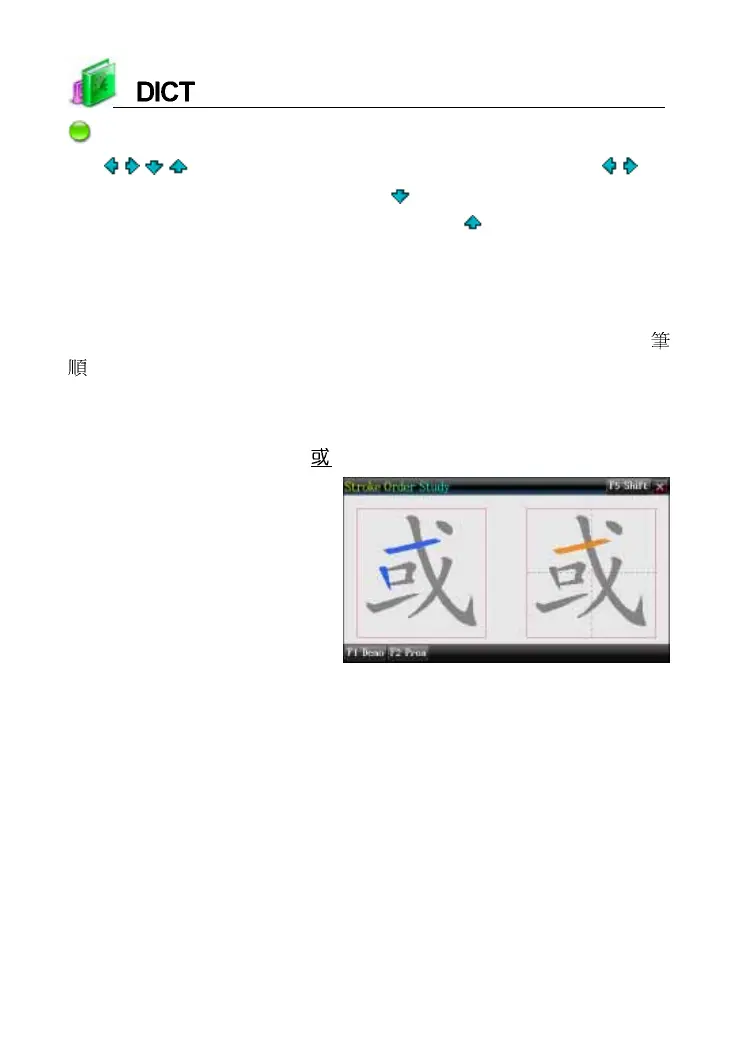
Dictionary--Detailed Kanji. Strokes function provides strokes
demonstration and practice function to help user study strokes of words.
e.g., Strokes practice of “ ” in Chinese Dictionary
Strokes practice screen
4. Searching Data
Provides several search methods to help users.
index screen: explanation screen:
1. Smart input search 1. Multi-layered search
2. Wildcard search (Only available for English) 2. Other data search
3. Cross search 3. Search
4. Secondary search 4. Sentence Translation



 To Next Page