18
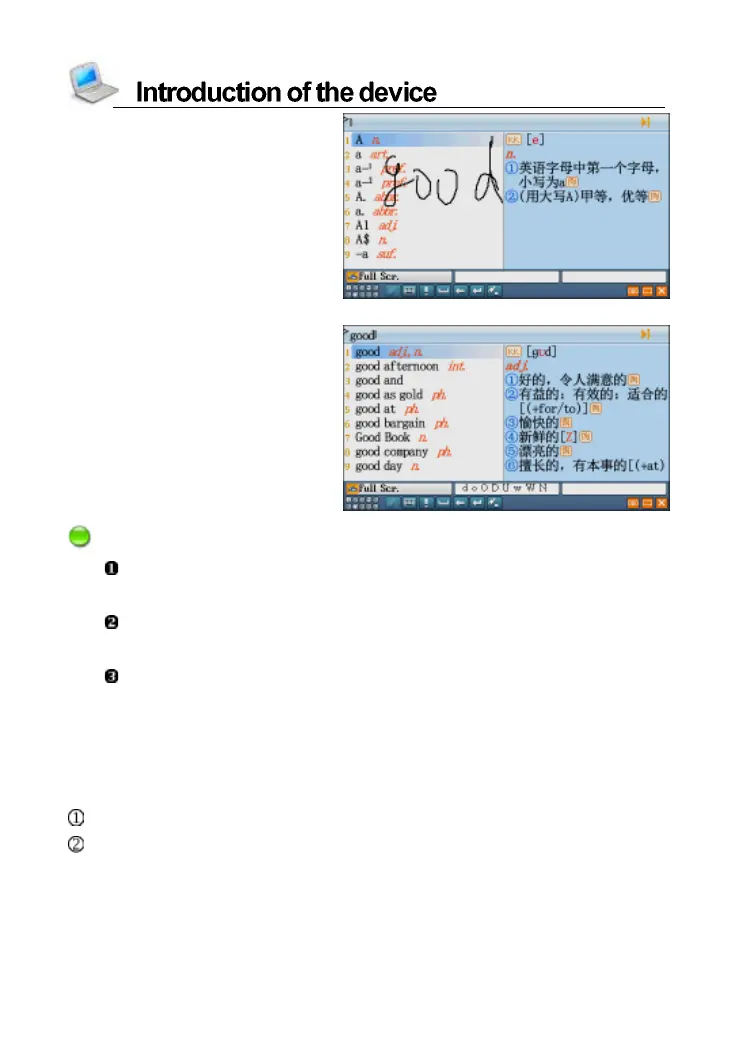
The full screen multiple
handwriting window supports
to tap other function keys when
you are writing English words.
The recognition result
Notes:
The keyboard input method is also available when the English
handwriting method is being used.
Please don’t write the first stroke in the function area when you use
the full screen multiple handwriting.
Handwrite pen up time can be set in <SYS--Handwriting Setting>.
6.3 USB Disk
Through USB cable, you can move, duplicate or delete data and add
new file folder, etc.
Connect the device and PC by USB cable.
Please safely remove the USB cable from PC before unlink, then
escape from “SYS--PC Link” in the device.



 To Next Page