80
1.6.1 Importing Data (Take “Import Outlook contact” as
Example)
Import Outlook contacts to PC Service Home as Name Card.
Click “File(F)” menu “Import and Export” “Import Outlook contact”.
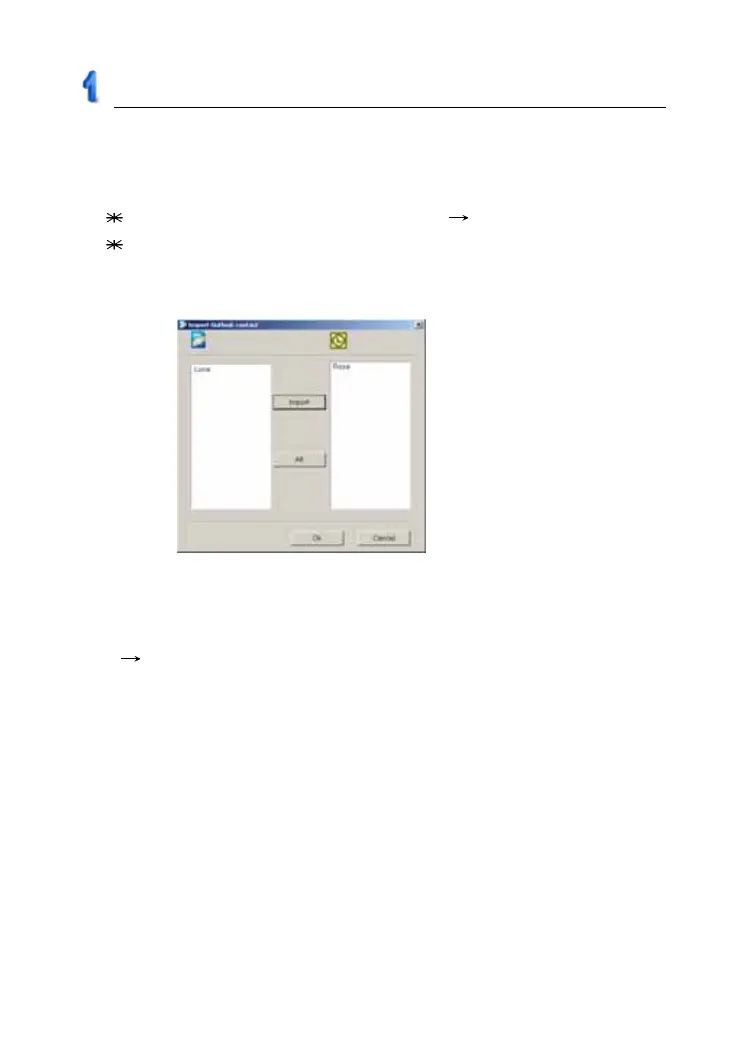
Tap “Next”, and then it displays “Import Outlook contact” window,
select data from the right area to be imported, click “Import” and then
click “OK” to import. (as picture 7)
1.7 Help
When you have question and difficulty about operation, please click
“Help” “Help(H)” menu to see the on-line help.
picture 7
PC Service Home Guide



 To Next Page