30
2. Dictionary Explanation
Input words to be looked up and access the explanation screen.
* Press the Page Up/Down key to look up the previous/next explanation.
* Press [SHIFT] first, and then press the Page Up/Down key to view the
explanation of the current word on the previous/next page.
* Provides pronunciation of Chinese, Cantonese, English, Japanese.
* Provides repetition and reading after the device for practice.
* 5 kinds of font sizes can be switched, and provides magnifying the
highlighted words.
* Can cross search, search in multi-dictionaries and Sentence
Translation for the selected words, the cross search layer up to 30.
<Some dictionaries will provide following function>:
* Provides vowel of phonetic symbols marked in red, and provides
syllable pronunciation for English words.
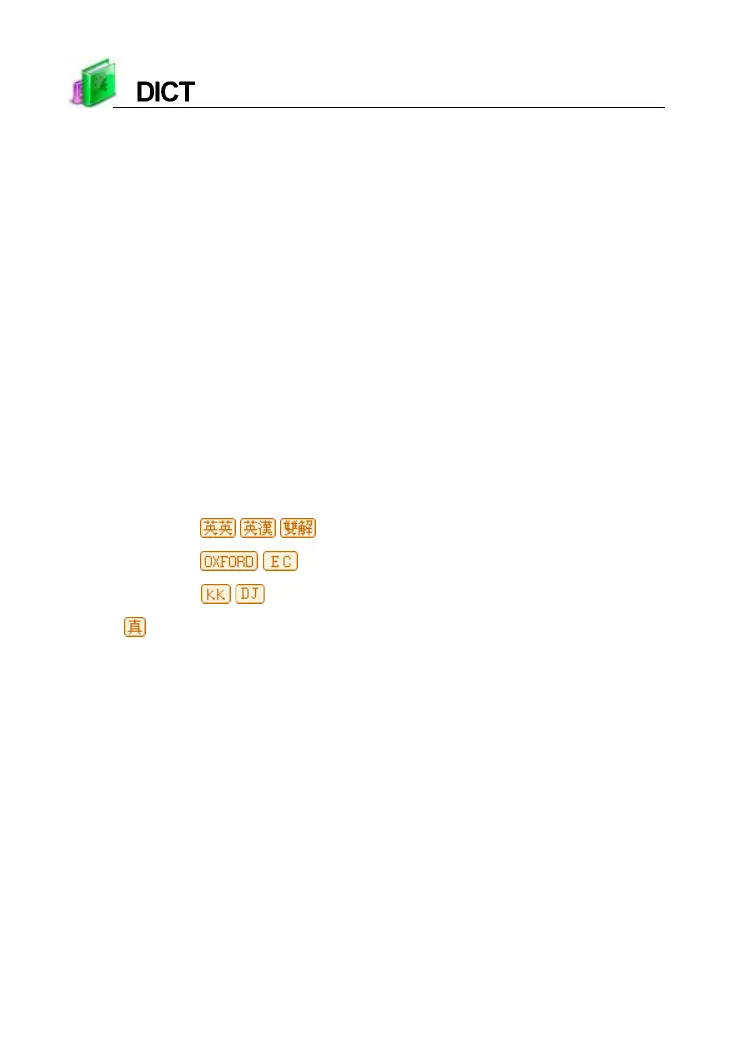
* Provides / / three kinds of explanation to be switched.
* Provides
/ to link search for the current word.
* Provides
/ phonetic symbols for selection.
*
indicates that the current word is human pronunciation.
* Provides example sentences, multimedia, etc., for reference.
* Provides strokes study when you download the function of strokes.



 To Next Page